


Related articles


Apple Gift Card Not Valid? Fix in 5 Steps: Code, Region & Cache
Stuck with 'Apple Gift Card Not Valid' error? Verify 16-digit code (B/8, D/O, E/3, G/6, O/Q/0, S/5, U/V, Z/2, I/1 mix-ups), sync regions, clear cache, contact support w/ serial (GCA/PBH/EPY). iPhone: App Store > Profile > Redeem > manual entry. Balances may lag 1-3 days.
Buffget
'Apple Gift Card Not Valid' error hitting you? Here's the drill: double-check your 16-digit X-code (watch for mix-ups like B/8, D/O, E/3, G/6, O/Q/0, S/5, U/V, Z/2, I/1), sync regions, wipe cache, hit up support with the serial (GCA/PBH/EPY), or dig into advanced tweaks. On iPhone? App Store > profile > Redeem Gift Card or Code > manual input. Balances can lag 1-3 days.
What's This 'Apple Gift Card Not Valid' Error All About?
Telltale Signs Hitting Apple Gift Card Users
It pops up mid-redemption in the App Store, iTunes, or Wallet. Camera scan flops, manual entry bombs, and poof—balance vanishes even after it succeeds. Picture this: your $25, $50, or $100 card ghosts you at checkout. Hits hard on iPhone 13 with iOS 16, or even older iPhone 7s.
Quick action steps:
- Jot down the exact error message ('Card is not valid').
- Peek in the Wallet app (US folks only) after tapping 'Done'.
- Fire up iOS updates: Settings > General > Software Update.
The Usual Suspects: Region Mismatches, Expirations, Typos
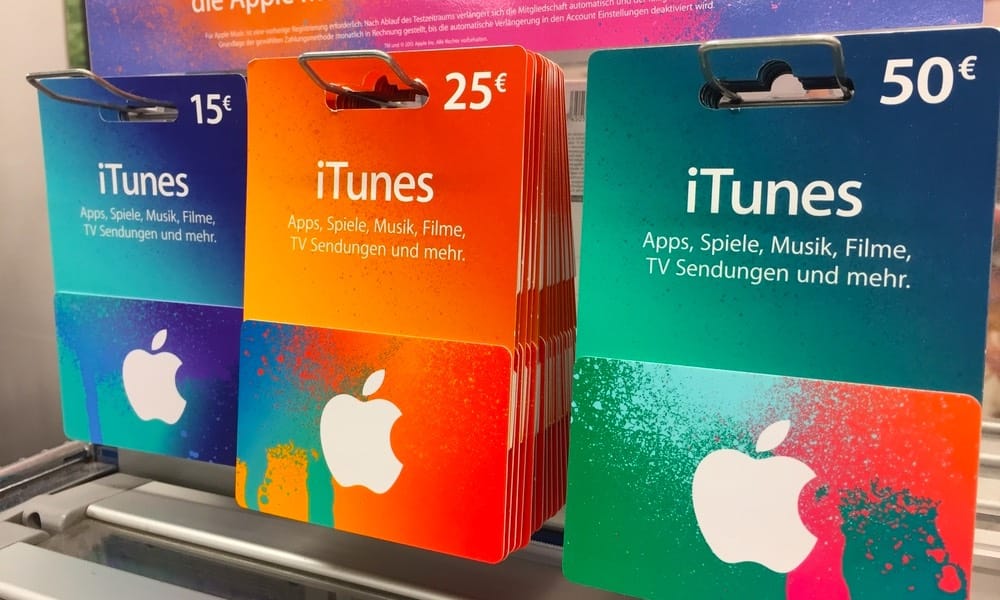
Think France-bought card in a US App Store—boom, rejected. Or those sneaky confusable chars (B/8, D/O, etc.). Non-App Store cards? Gray, white, silver, gold ones won't fly. Typos top the list; physical cards need activation time. Already-redeemed ones fake invalid if your balance hasn't refreshed.
Quick action steps:
- Peel or scratch to reveal the 16-digit X-code.
- Punch it in manually—no spaces, dashes, or symbols.
- Return unactivated physical cards to the retailer.
Fix #1: Double-Check Card Details and Balance
Step-by-Step Serial Scrutiny
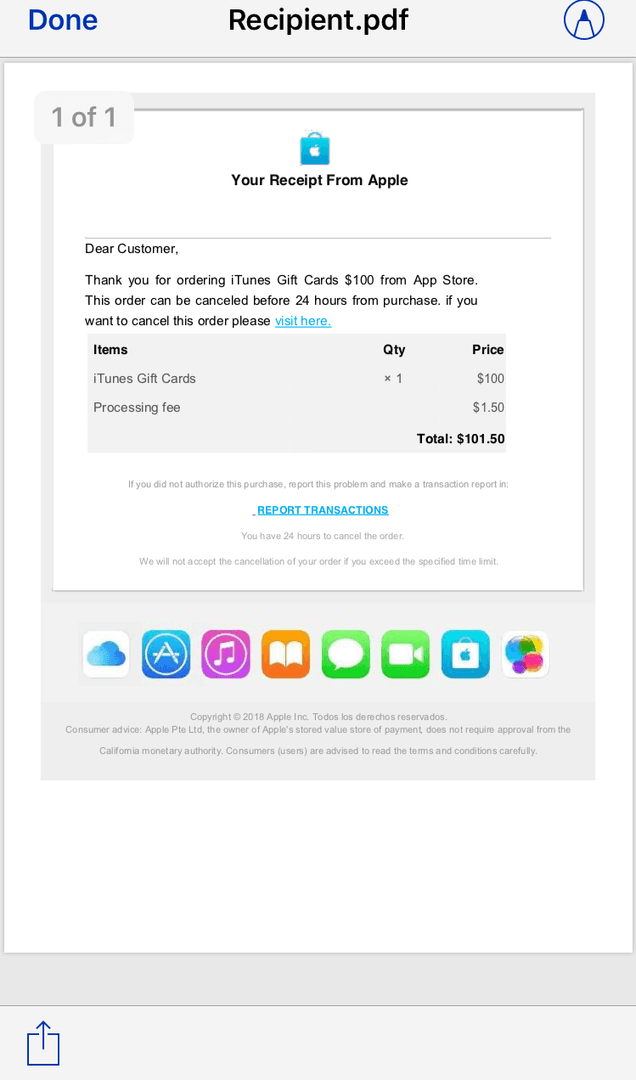
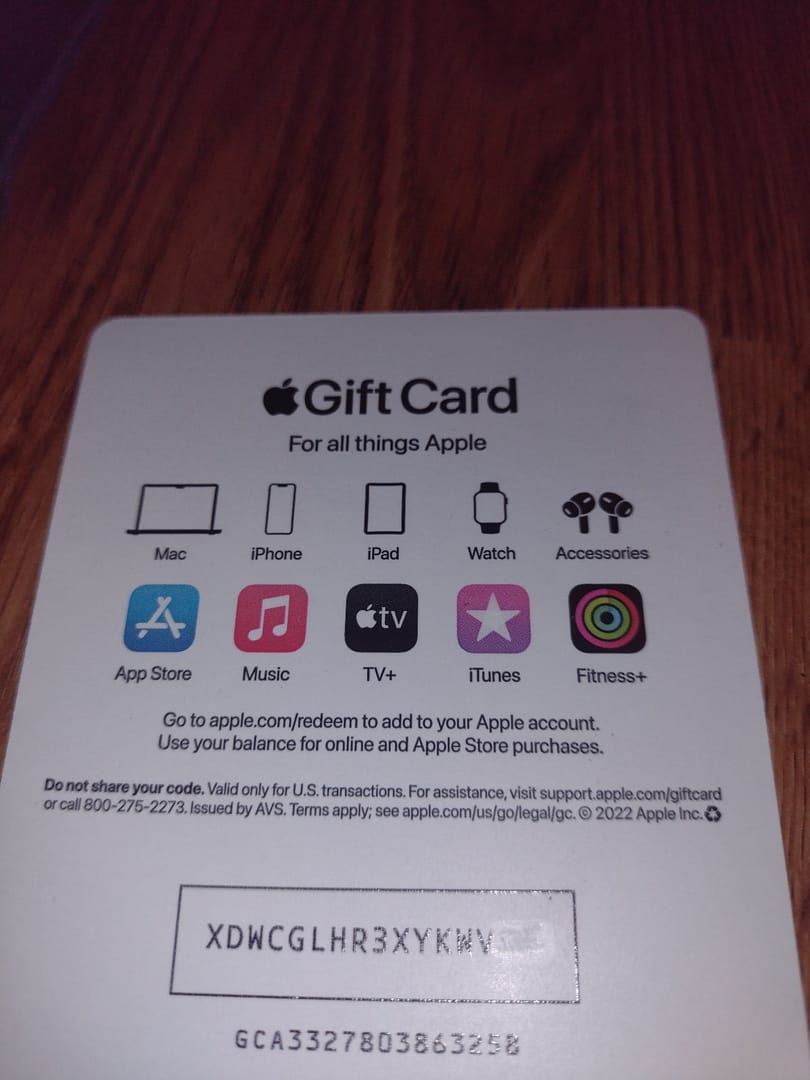
Legit codes kick off with 'X'—16 alphanumeric digits. Serial's on the back (GCA/PBH/EPY prefixes) for support calls. Stick to App Store/iTunes cards only. S/5 swaps trip folks up most. Balance hunt: hit secure.store.apple.com/shop/giftcard/balance or reportaproblem.apple.com.
Quick action steps:
- Eyeball the card's color and labeling.
- Sign out of App Store/iTunes on every device.
- Sign back in; scan Settings > [Name] > Media & Purchases.
Lean on Apple's Site or App
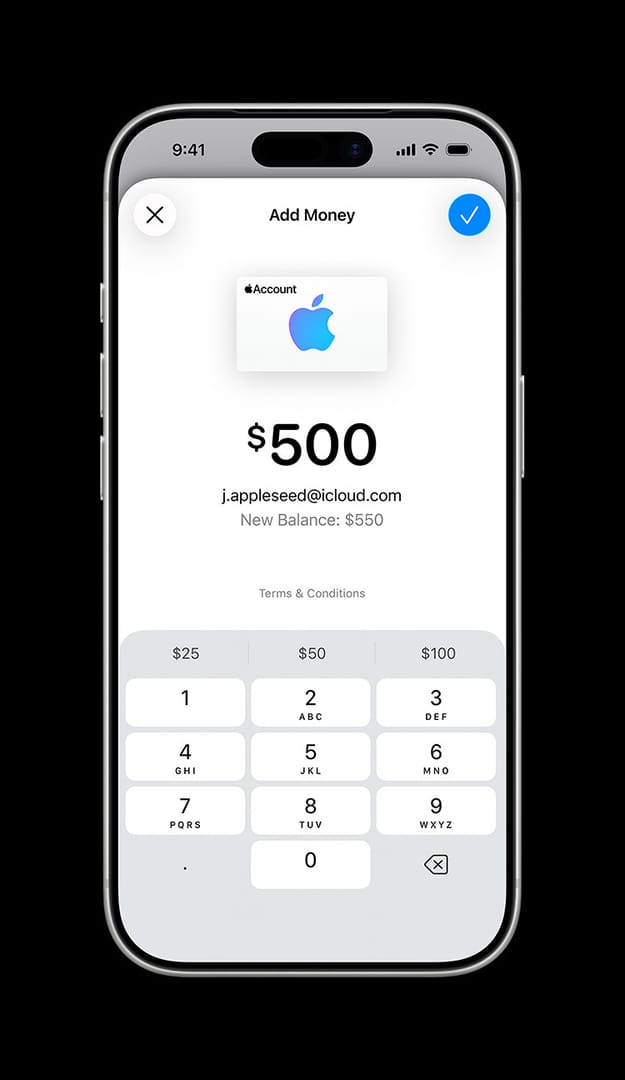
Post-redemption verification takes 1-3 business days. App Store/iTunes funds roll into your Apple Account balance. Sign-out/sign-in often shakes loose hidden balances. (Pro tip from this editor: it's like force-quitting a glitchy game—resets everything.)
Quick action steps:
- Head to secure.store.apple.com/shop/giftcard/balance and log in.
- On iPhone: App Store > profile > Redeem > manual entry.
- If it's credited but stubborn, chill for 1-3 days.
Need foolproof top-ups? Grab a buy apple gift card from Buffget—global low prices, instant delivery, ironclad security, killer user ratings, and speedy crypto (USDT/ETH, Binance Pay).
Fix #2: Sync Your Region and Apple ID
Switching Apple ID Regions, Done Right
Cards redeem only in their purchase country/region—mismatch screams 'different country/region.' Physical ones? Return 'em. US card in France App Store? Dead end.
Quick action steps:
- Settings > [Name] > Media & Purchases > View Account > Country/Region.
- Align it with the card's origin; ditch VPNs.
- Update sans active subscriptions.
Region Rules by Country
Locked tight—no crossovers. Apple Account balance skips gift buys or Family Sharing. Receipt confirms origin; sometimes you need a credit card on file to set it default.
Quick action steps:
- Dig up your purchase receipt for location proof.
- Bump balance to default payment.
- Test with a tiny buy after matching.
Fix #3: Nuke Cache and Reboot Devices
iPhone/iPad Power Moves
Cache clogs or server hiccups fake 'invalid' or 'already redeemed.' Wait 30-60 mins on servers; force-quit apps. iOS 16 on iPhone 13? Restarts seal the deal.
Quick action steps:
- Force-quit App Store; flip between Wi-Fi and data.
- Restart the device; eyeball Apple system status.
- Reinstall App Store if it lingers.
Mac and Browser Hacks
Sign out/in everywhere; trash browser cache. That 30-60 min wait again.
Quick action steps:
- Media & Purchases > sign out Apple ID.
- Sign back in.
- Swap to another device.
Fix #4: Ping Apple Support Straight-Up
Chat vs. Phone Showdown
Snap front/back card pics, receipt, serial (skip the X-code), error screenshot. Phone: 1-800-MY-APPLE. Genius Bar needs proof. Smudged codes? Images fix 'em. Expect 1-3 days.
Quick action steps:
- Round up serial (GCA/PBH/EPY), receipt, photos.
- Jump into Apple Support chat or app.
- Cite the 'If you can't redeem' article.
Key Deets to Drop
Quote the error word-for-word; upload via form; nudge after 48 hours.
Quick action steps:
- Log the error verbatim.
- Submit the support form.
- Follow up at 48 hours.
Buffget cuts the hassle with cheap apple gift cards: lightning credits, dirt-cheap prices, total safety, payments galore (KuCoin Pay/Gate Pay/Bitcoin/USDC), and top-notch support.
Fix #5: Gamer-Level Troubleshooting
App Store Gaming Redemption Hacks
Gift flopping? Direct-pay bypass, default to balance. iOS update first; manual beats scan. In-app spends unlock post-1-3 days. US? Wallet check after.
Quick action steps:
- Redeem via App Store profile on iPhone.
- Scope Wallet (US).
- Toss in backup payment.
Apple Arcade Tie-Ins
Activate before anything. Stick to 'If you can't redeem'; monitor reportaproblem.apple.com. Scam alert—vet those codes. (Editor's take: Gamers know shady loot drops; same vibe here.)
Quick action steps:
- Follow the 'If you can't redeem' guide.
- Source from trusted spots.
- Track via reportaproblem.apple.com.
Pitfalls and Myths to Dodge
The 'Already Redeemed' Trap
Often just an unrefreshed balance—sign out/in sorts it. No dashes/symbols; 16-digit flubs mimic redeemed. Typing's the big killer.
Quick action steps:
- Hunt confusable chars (B/8 etc.).
- Re-type a clean code.
- Stash that receipt.
Scam Card Red Flags
Unactivated or fakes scream invalid; retailer's on activation hook. Check right after buy; digital's safer; shun sketchy sellers.
Quick action steps:
- Inspect on the spot.
- Lock down digital codes.
- Steer clear of untrusted.
Lock Down Future Gift Card Wins
Smart Buying Habits
Snag activated ones; vet code/region. $25-100 sizes rule. Mismatch physicals go back. X-code clear, region match, secure storage.
Quick action steps:
- Verify X-code.
- Nail the region.
- Store safe.
Balance Tracking Tools
secure.store.apple.com or Settings; 2FA on. Routine logs; defaults set; devices updated.
Quick action steps:
- Log balances regularly.
- Set payment defaults.
- Keep devices fresh.
FAQ: Fast Fixes for Apple Gift Card Headaches
Why's my Apple Gift Card saying 'not valid'?
Wrong type (Store card only), code typos (B/8), region clash, or unactivated.
How to fix an invalid code?
Manual 16-digit X-entry, scan for confusable chars, sign out/in for balance.
'Already redeemed' error?
Sign out across devices, peek Settings > Media & Purchases.
Not working on iPhone?
App Store > profile > Redeem > manual; iOS update, cache clear.
Balance check pre-redeem?
secure.store.apple.com/shop/giftcard/balance; post-redeem, reportaproblem.apple.com.
Region-locked?
Yep—match Apple ID country/region or return physical.