

Recommended Discounts

Bigo Live Diamonds
Top up Bigo Live Diamonds in seconds! Just enter your Bigo Live user ID, select the value of Diamonds you wish to purchase, complete the payment, and the Diamonds will be added immediately to your Bigo Live account.
47.57% OFF
Related articles


Record Bigo Live in 4K 60FPS: PC Hotkeys & Mobile Guide 2025
Bigo Live: 500M users in 150 countries, 38.4M MAU, 28.8M hours watched (Jul 2024). v6.41.1 update (Dec 17). iOS Control Center tricks, Android apps, PC hotkeys (Alt+1/2), black screen fixes, crisp 1080p/4K 60FPS—for personal use.
Buffget
Bigo Live packs 500M users in 150 countries, 38.4M MAU, and a whopping 28.8M hours watched in July 2024. Latest v6.41.1 update dropped Dec 17, 2024. We're talking iOS Control Center tricks, Android apps, PC hotkeys like Alt+1/Alt+2, black screen fixes, crisp 1080p/4K 60FPS—all for personal use. (42 words)
Why Bother Recording Bigo Live Streams?
Bigo's sitting pretty at 7th globally in 2025 rankings. Those epic PK battles? Up to 12 guests piling in. AR/VR filters crank engagement 40-60%. Gaming streams alone hit 6.2M hours last July. App scores a solid 4.5/5 from 209K reviews.
Quick prep checklist:
- Confirm you're 18+.
- Lock in 5+ Mbps upload speed.
- Run a test stream—check storage and permissions first.
Ever wonder why top streamers hoard their best clips? It's gold for replays, edits, or just reliving the chaos.
What Exactly Goes Into Recording a Bigo Live Stream?
You're snagging MP4/FLV/AVI/MKV files at 1080p/4K 60FPS. No ugly watermarks, no time caps. Pick custom regions, full-screen, or game view. Dual audio tracks (system sound + mic), webcam pops on top, even chat and gifts captured. Files auto-dump to your gallery. Stick to personal, non-commercial vibes only—keeps it legal.
Recording Bigo Live on PC: Your No-Fuss Guide
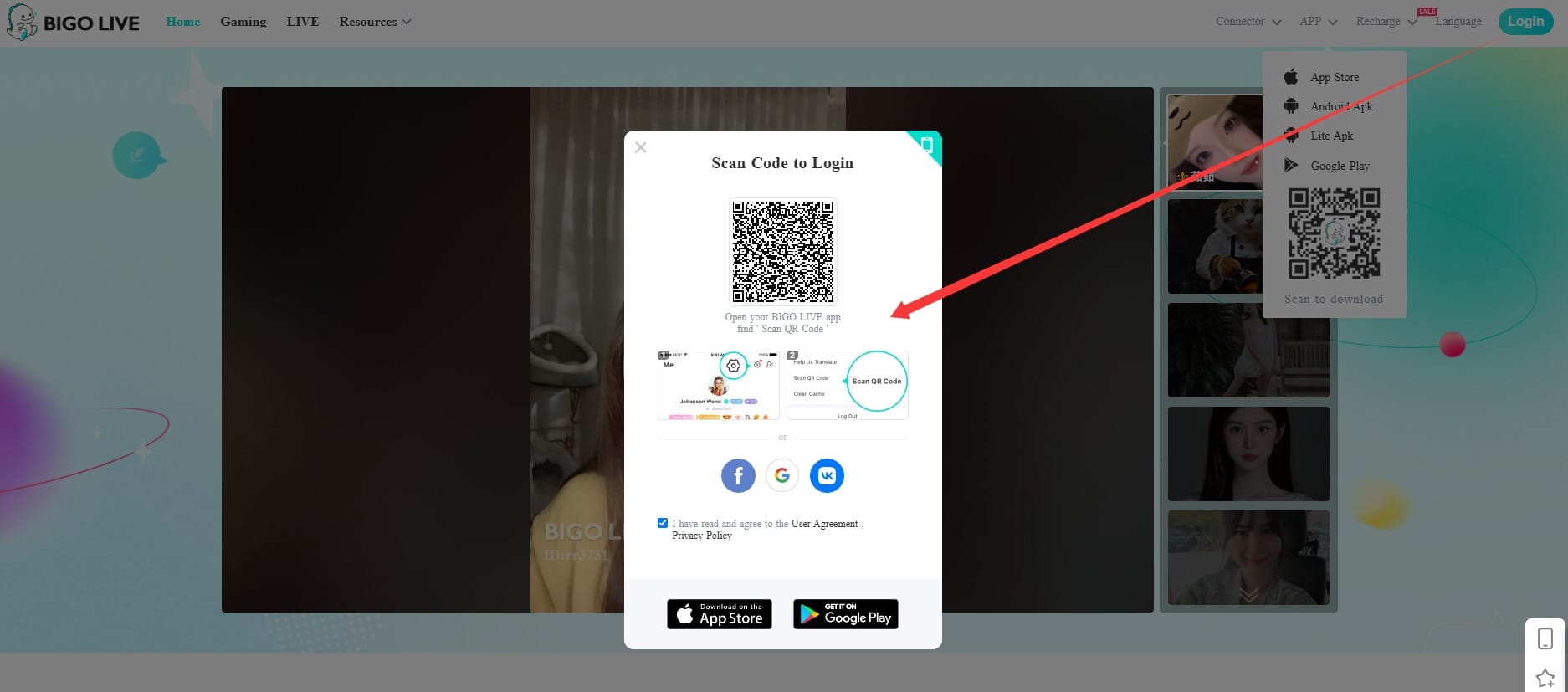
Black screens? Pfft—dodge 'em with the right tools, fresh GPU drivers, and MP4 output. Hotkeys make it a breeze: Alt+1 to fire up, Alt+2 to kill it, or F6/Ctrl+F1. Cursor highlights, scheduling, 4K 60FPS glory. Software's a lean 40.5 MB.
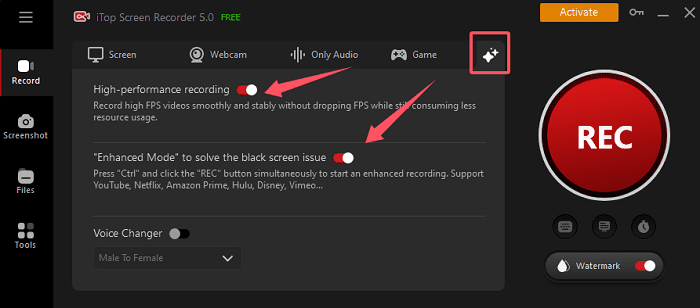
Here's the play-by-play:
- Grab and install a solid screen recorder.
- Fire up your Bigo stream, jump to the record tab.
- Set custom or full-screen capture—toggle system audio, mic, webcam.
- Hit Alt+1 (or F6) after the countdown. Stop with Alt+2/Ctrl+F1, then preview and tweak.
USB mirroring? Flip on developer options, plug in your phone. Need more juice mid-stream? Recharge Bigo diamonds through Buffget—killer low prices, instant drops, locked-down secure with local payments, cards, Binance Pay, Gate Pay, Bitcoin, ETH, USDT, USDC. 24/7 crew, top-shelf user love.
(Pro move: I've chased glitches like this for years—USB saves your bacon on wonky Wi-Fi.)
Nail Bigo Streams on Mobile: Top Tricks
iOS folks: HD, watermark-free straight from Control Center. Dead simple.
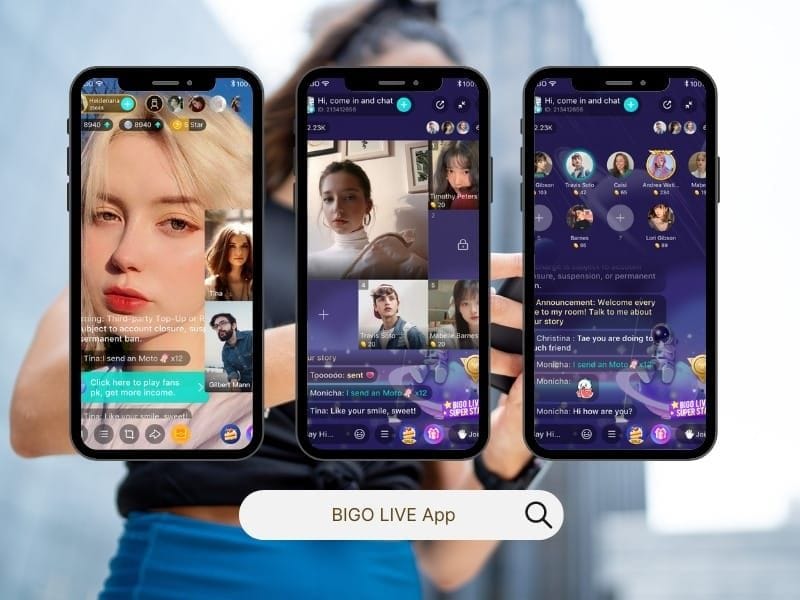
- Add Screen Recording to Control Center (dig into Settings).
- Swipe up, long-press the icon, flip mic on.
- Tap to start—3-second countdown—then launch Bigo.
- Kill the red status bar. Boom, in Photos.
Android crew: Drop in an app, hand over permissions. Floating button starts/stops; saves to gallery. Mirror to PC via network/QR/USB (Android 5.0+ gets the red button cast). v6.41.1 plays nice—no root drama.
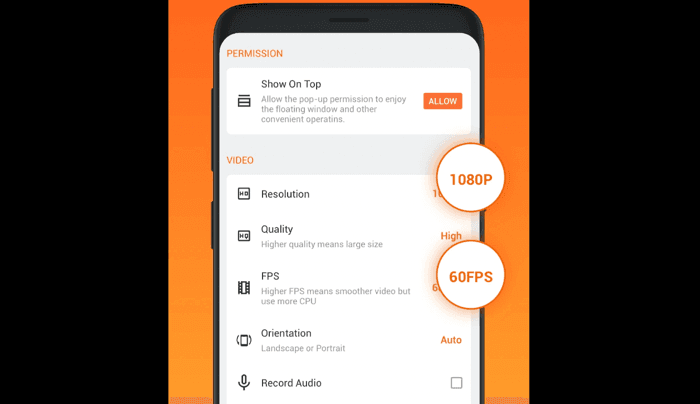
Cross-device mirroring? It's like extending your phone's arm—flawless for big-screen edits.
PC vs. Mobile: Which Wins for Bigo Recording?
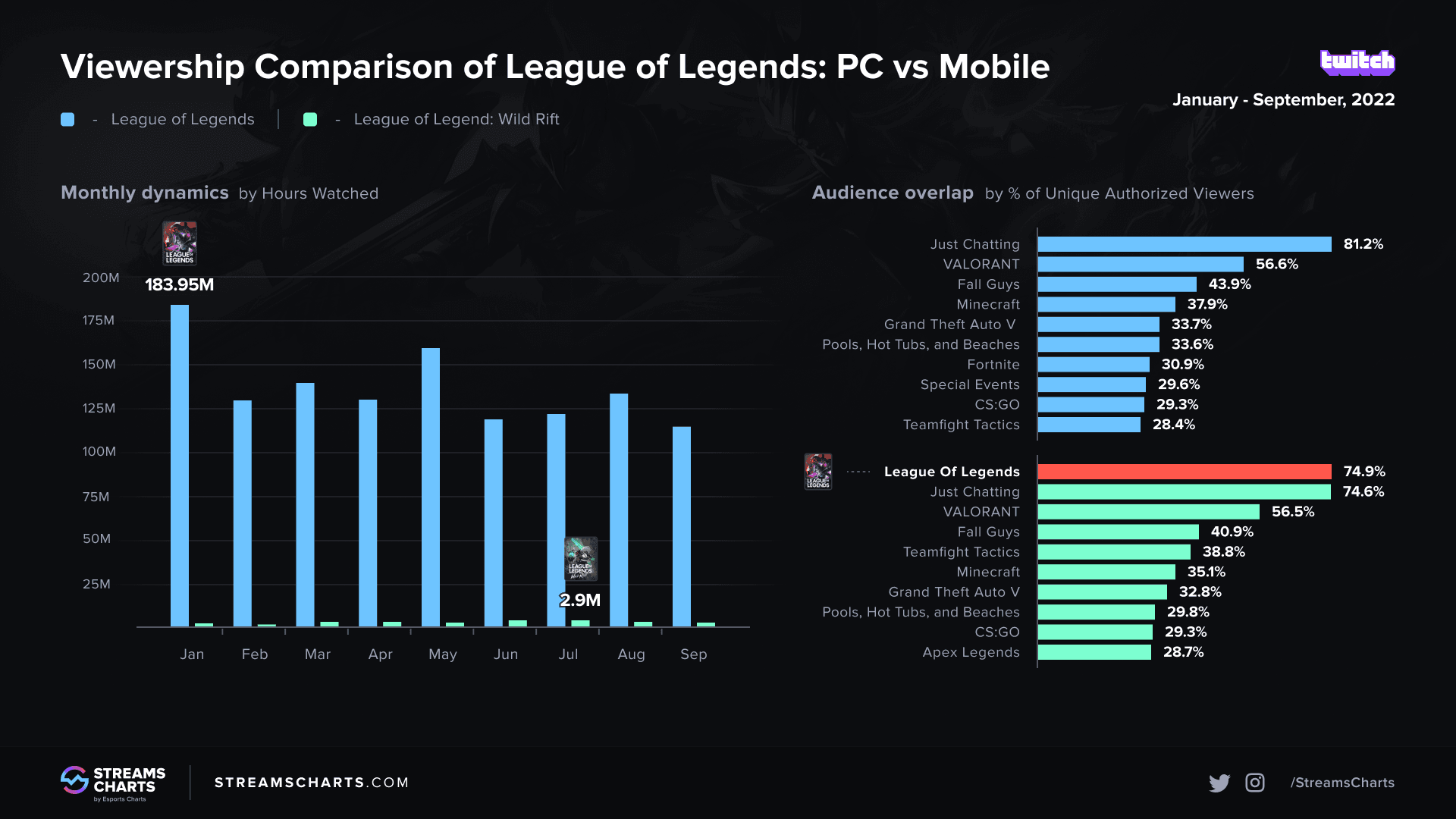
PC crushes with 4K/60FPS, built-in editing, hotkeys, custom crops. Downside? A smidge of setup. CPU stays chill.
Mobile? iOS built-in is lightning-quick HD. Android apps keep lag at bay. Trade-off: resolution caps a bit lower.
Data dive: PC nails 1080p/4K watermark-free; mobile delivers HD audio punch. Both crave 5+ Mbps.
(My take as a strategy vet: PC if you're editing marathons; mobile for on-the-fly grabs.)
Screw-Ups That Kill Bigo Recordings—and Fixes
Black screens from piracy flags, bad GPUs, or codec clashes? 80% vanish with compatible recorders, driver refreshes, MP4 picks.
Lag or audio dropouts? Pre-grant storage/mic/camera perms. Grab no-lag tools. Layer system+mic audio. Update your media player.
Sneaky traps: Back up storage space. Nail that 5+ Mbps. Test short bursts, perms locked in.
One sentence: Don't learn this the hard way.
Killer Tools & Settings for Bigo Domination
Handles FLV/AVI/MKV/MP4 like a champ. Countdowns. Pause on demand. Dial in 1080p/4K 60FPS, system+mic audio, webcam overlays, schedules. Zero watermarks. Catch every stream ping.
Gear hacks: Snag ring lights ($30-50), mics ($50-100); UPS for power blips. Stock up via Bigo Live store on Buffget—prices that slap, account-loaded in seconds, ironclad safety, payments galore (cryptos too), round-the-clock help, after-sales that shine, fans rave.
Pro Tips to Level Up Your Bigo Recordings
- Stack dual audio + webcam; crop to Bigo's sweet spot.
- Always MP4.
- Countdowns and schedules for quick shorts.
July 2024 clocked 28.8M hours of pure fire—don't sleep on yours.
Bigo Live Recording FAQs
Can I record Bigo Live streams for free?
Yep—iOS/Android built-ins or free apps deliver HD, no watermarks.
What's the best software to record Bigo Live on PC?
Ones with Alt+1/Alt+2 hotkeys, 4K support—plus driver updates to smash black screens.
How do I record Bigo Live on Android without root?
App install, perms granted, floating button magic—HD straight to gallery.
Is it legal to record Bigo Live performances?
Personal non-commercial use only.
Why is my Bigo Live recording lagging?
Sub-5 Mbps speeds, skipped perms, dodgy tools—switch to no-lag options and updates.
Does Bigo Live have a built-in recorder?
iOS Control Center nails it; Android leans on apps; PC needs software.