

Recommended Discounts

Bigo Live Diamonds
Top up Bigo Live Diamonds in seconds! Just enter your Bigo Live user ID, select the value of Diamonds you wish to purchase, complete the payment, and the Diamonds will be added immediately to your Bigo Live account.
47.57% OFF
Related articles


Bigo Live Ban Appeal: Recover Account in 3 Easy Steps Now
Banned on Bigo Live? Don't sweat it—recover through appeals for stuff like nudity or spam. Hit up the in-app option or email feedback@bigo.tv with solid evidence. Full submissions get reviewed in just a few days. (28 words)
Buffget
Banned on Bigo Live? Don't sweat it—recover through appeals for stuff like nudity or spam. Hit up the in-app option or email feedback@bigo.tv with solid evidence. Full submissions get reviewed in just a few days. (28 words)
Getting the Lowdown on Bigo Live Bans
Temporary vs. Permanent: What's the Diff?
Bigo Live's AI and human mods enforce rules across 10+ countries, tracking devices too. Temps hit for inactive streams—think black screens, no audio. They start with warnings; just jump back in and interact to fix it. Permanents? Those are for heavy hitters: endangering minors (they report to law enforcement), terrorism, hate speech, nudity, violence, harassment, copyright retransmits, gambling, drugs, fakes. Check your notification to ID the type, own the slip-up, and pledge to stick to guidelines.
Ever wonder why device tracking bites so hard? It stops ban dodgers cold—smart, but tough on legit streamers.
Everyday Ban Triggers on Bigo Live
Top offenders: nudity (even underwear as outfit), spam or self-promo, fake engagement, defamation via rumors, privacy invasions like sharing private pics, hyping competitors, shady diamond-cash swaps, pre-recorded vids, shirtless streams outside fitness or beach vibes. Flags pop real-time, globally. Picture this: firing up a movie without rights, real-money bets, or edgy talk. Cross-check your notif with the official guidelines—it's your first clue.
Prep Work: Dig Into Your Ban Deets First
Hunt Down That Notification
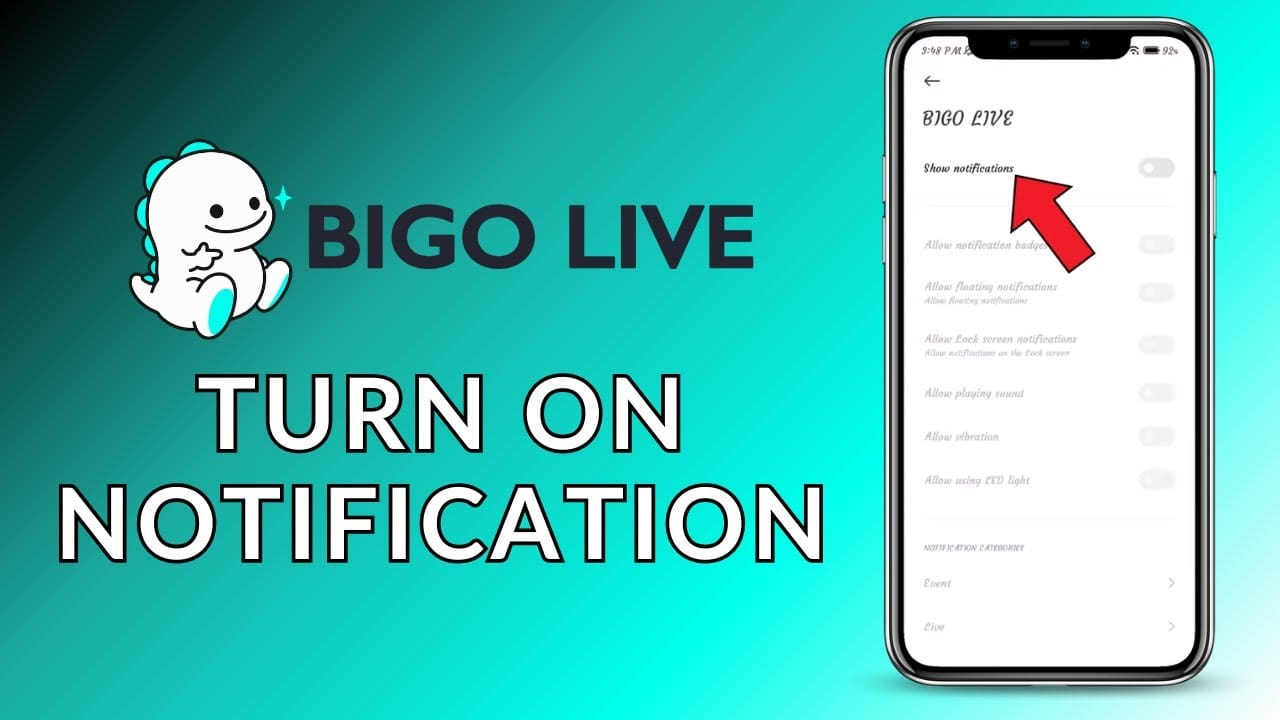
Fire up the app for the violation rundown—nudity, harassment, copyright, whatever. Grab your BIGO ID, email, phone.
- Launch Bigo Live.
- Profile > Settings for ID.
- Snap screenshots of everything.
Round Up Proof You're in the Clear
Snag BIGO ID, email, phone, stream history, chats, screenshots (context is king for shirtless fitness stuff). Build a timeline, log interactions. Screen recorder's your friend here. Folder it all up; own any gray areas and explain.
Post-recovery, keep things smooth with recharge Bigo Live global via Buffget—global low prices, instant top-ups, secure locals, cards, crypto like USDT or Binance Pay. Diamonds fast, compliant, killer ratings. (Editor's take: Beats fumbling with sketchy sites.)
Your No-BS Guide to Appealing a Bigo Live Ban
Step 1: Log In, Hit the Appeal Spot
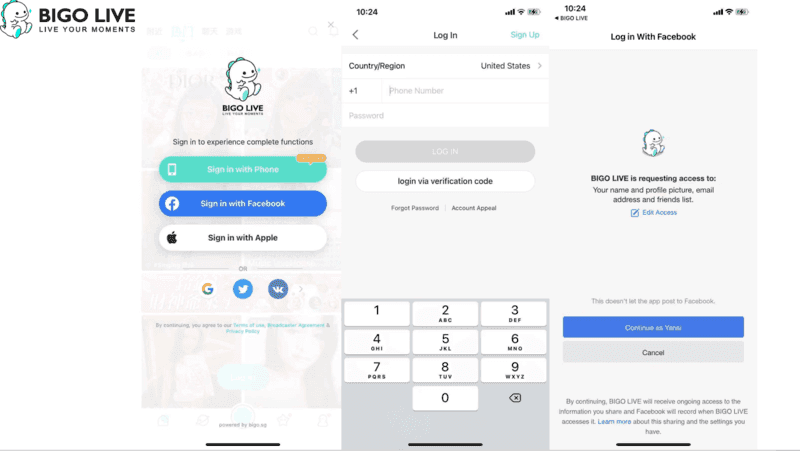
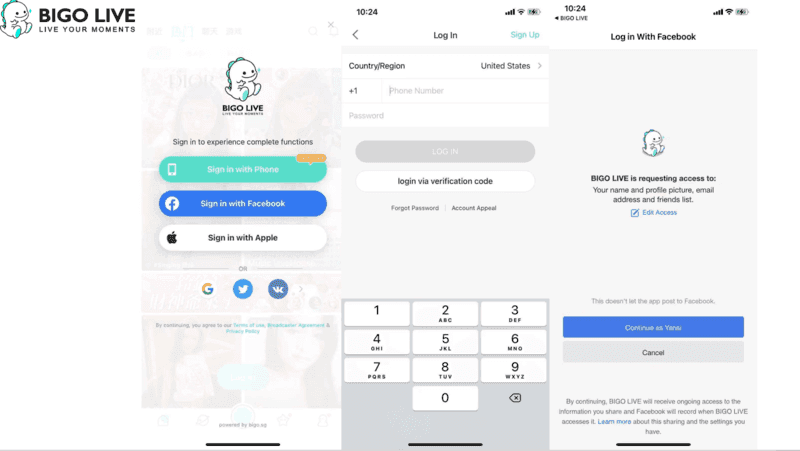
Skip new accounts—device tracking sniffs 'em out. Stick to in-app 'Account Appeal' or 'Recover Account Now' using BIGO ID/email.
- Log in on the banned device.
- Customer service > Account Appeal.
- Punch in details.
Step 2: Fire Off the Appeal Form Right
Drop BIGO ID, contact info, a straight-timeline story in pro tone. Email feedback@bigo.tv or cs@bigo.tv, attach evidence; hacked? Prove ownership. They review full ones in days.
Step 3: Bolt On Screenshots and Vids
Chats, history (beach shirtless? Context it).
- Compress to fit limits.
- Label clear—Stream log 10/15.
- Submit once. Wait it out.
While appeals drag, Buffget's Bigo Live store top up keeps your stream alive—quick diamonds at sharp rates, 24/7 help, ETH/USDC flexibility, ironclad safety. Global streamers swear by it.
Nailing Bigo Live Support Contacts
In-App Chat: Quick and Direct
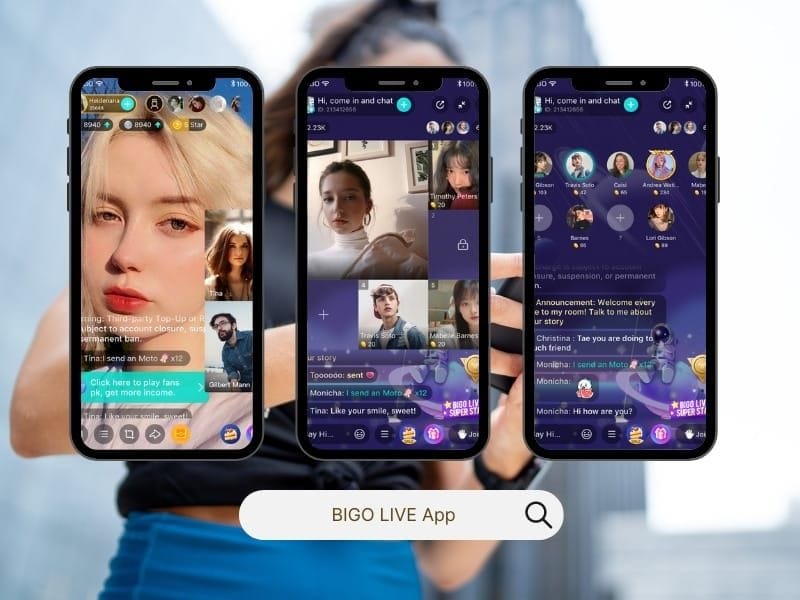
Perfect for appeals, hacks, verification (phone/email). Gaming bans? bigogaming@bigo.sg. They prioritize fleshed-out tickets.
Emails and Tickets via Help Center
feedback@bigo.tv (global), cs_bigoamerica@bigo.sg (Americas), other regionals. Twitter @BigoLive DMs. BIGO ID in subject line. Days for reviews.
Nail Your Appeal Message—Template Inside
A Solid, Polite Template
Subject: Appeal for BIGO ID [ID] - [Violation Type]
Dear Bigo Support, My account [ID] was banned for [type]. Timeline: [details]. Evidence shows [context, e.g., fitness stream]. I acknowledge guidelines and commit to compliance. Please review. Thank you.
Phrases That Kill vs. Win
Lean on: I understand the policy and will adhere. Ditch: This is unfair!, half-assed info, rage mode.
Pitfalls That Tank Appeals—And Fixes
The Top 5 Appeal Killers
Missing ID/evidence. Angry vibes. Spam-submits. Flat-out denials. Repetitive junk.
Flip 'Em with This
Checklist: ID, contacts, timeline, proof, nice sign-off. One shot; wait days. Own it: I see how this looked like [issue].
(Pro tip from years editing streamer guides: Patience pays—rushing screams guilt.)
Appeal Denied? Next Moves
Level Up Your Fight
Re-read guidelines, refresh contacts, flip on 2FA. Re-appeal with fresh proof; try regionals like press@bigo.sg. Some permanents? No dice.
New Account? Tread Light
Evasion's banned. Only after success, verified deets.
Lock Down Future Bans on Bigo Live
Stick to the Rules, Period
No illegals, kid risks, gambling, vulgarity, copyrights, privacy dumps, rival plugs, diamond trades. 2FA on, report bad stuff, ditch pre-records/inactives.
Streamer Survival Tips
Keep info fresh, no VPN dodges, flag minors ASAP. Daily guideline scans. Post-win: Zero re-bans if you follow. Shirtless? Genuine interaction only.
Handy Tools for the Win
App screen recorders for logs. Official: help.bigo.tv, in-app appeal, feedback@bigo.tv.
FAQ
How do I recover a banned Bigo Live account?
In-app 'Account Appeal' or feedback@bigo.tv with BIGO ID, evidence, professional tone.
What are common Bigo Live ban reasons?
Nudity, spam, copyrights, gambling, inactive streams, fake activity.
How long does a Bigo Live appeal take?
Several days for complete submissions.
Can I appeal a permanent Bigo Live ban?
Yes, via support with details; serious cases irreversible.
What to include in a Bigo Live appeal?
BIGO ID, timeline, screenshots, policy acknowledgment.
How to prevent future Bigo Live bans?
Enable 2FA, review guidelines, avoid spam/vulgarity.