


Related articles


Redeem Apple Gift Card iPhone iOS 18+: 2025 Fixes & Steps
Scratched your Apple Gift Card for that hot DLC but hit a snag? iOS 18+ fix: Redeem in App Store. Invalid codes? Check B/8 or D/O mix-ups. Already redeemed? Sign out/refresh. Region lock? Match Apple ID country. Check balance for apps, games, subs!
Buffget
Ever scratched off a shiny Apple Gift Card, pumped to grab that next big game DLC, only to hit a snag? Here's the no-BS rundown for iOS 18+ devices—redeem via App Store, troubleshoot invalid codes by eyeballing B/8 or D/O mix-ups, handle already redeemed with a sign-out refresh, and dodge region locks by syncing your Apple ID's country. Post-redeem, peek at your balance for apps, games, or subs. (52 words)
What's an Apple Gift Card, and Why Bother Redeeming One?
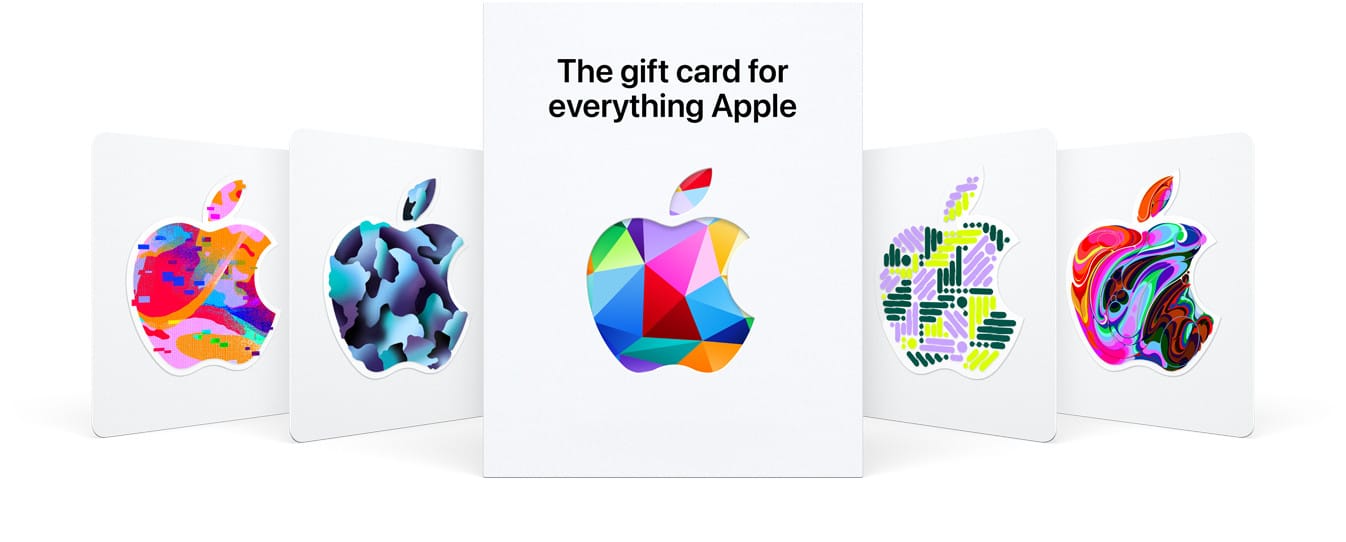
Picture this: a 16-digit code kicking off with 'X', printed on those eye-catching colorful cards sporting the Apple logo against a crisp white backdrop. Don't mix 'em up with the solid gray, white, silver, or gold ones from Apple Stores—they're not for redeeming. These bad boys load your account with funds for App Store apps, games, in-app buys, Apple Music, or iCloud+ storage. Gamers, listen up: drop $100 on your balance, and it'll auto-apply to those must-have in-game items. Works seamlessly on iPhone 8 and up, or any iPad running iOS 18+.
Quick activation: Peel or scratch the label on physical cards to reveal the code. Email-delivered ones? They're good to go right away.
Prep Work Before You Dive In
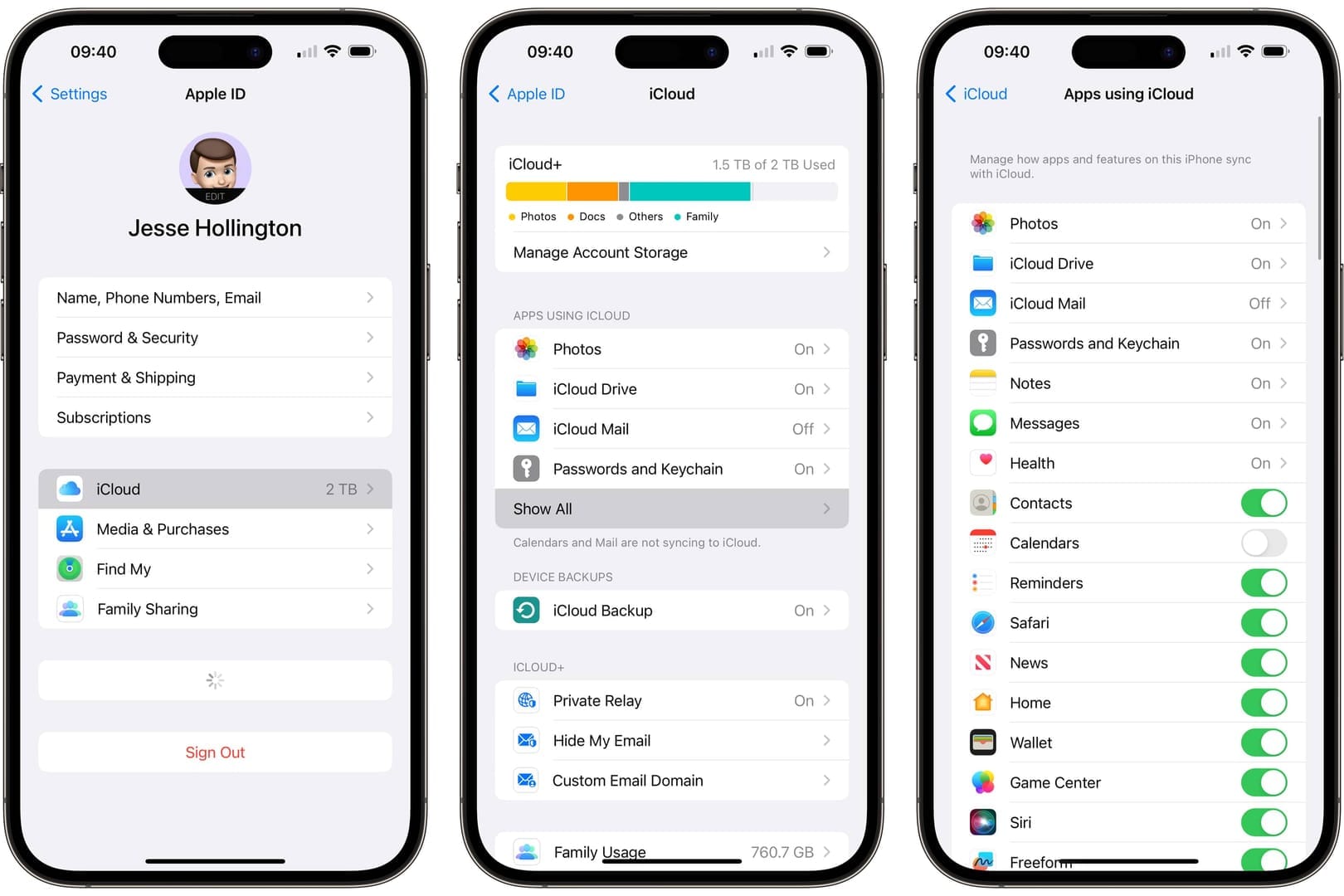
First things first—sign into your Apple ID in the App Store. Crucial: your account's region has to match the card's country (US card demands a US-based ID). You'll need an iPhone or iPad with the App Store app and iOS 18+, plus a rock-solid internet connection.
Get set up:
- Hit Settings > [your Apple ID] > Media & Purchases > Sign In.
- Double-check region: Settings > [Apple ID] > Media & Purchases > View Account > Country/Region.
Want reliable US cards without the hassle? Snag 'em buy Apple Gift Card US cheap instant from Buffget—global low prices, delivery in under 5 minutes, secure payments via Binance Pay or USDT, killer user ratings, and 24/7 support.
Step-by-Step Redemption on iPhone/iPad (2025 Edition)
Fire up the App Store. Tap your profile icon (sign in if needed). Hit Redeem Gift Card or Code. Use the camera to scan that 16-digit 'X' code—or go manual by typing it in, no spaces or dashes. Tap Redeem. Boom, funds land instantly. Covers everything from iPhone SE to 12 Pro Max, iPads on iPadOS too. Manual entry? Lifesaver for camera glitches.
Break it down:
- Launch App Store.
- Tap profile (top-right)—sign in.
- Select Redeem Gift Card or Code.
- Scan or punch in the 16-digit code.
- Redeem. Spot-check balance in your profile.
Verify it stuck: Settings > Apple ID > Payment & Shipping.
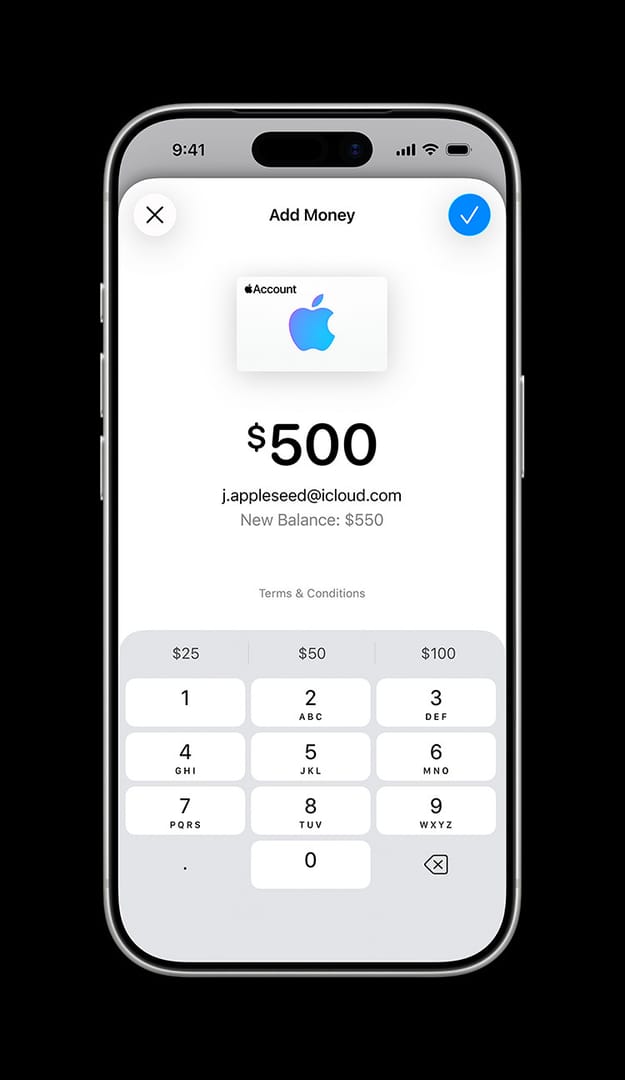
Fast Fixes for Those Annoying Hiccups
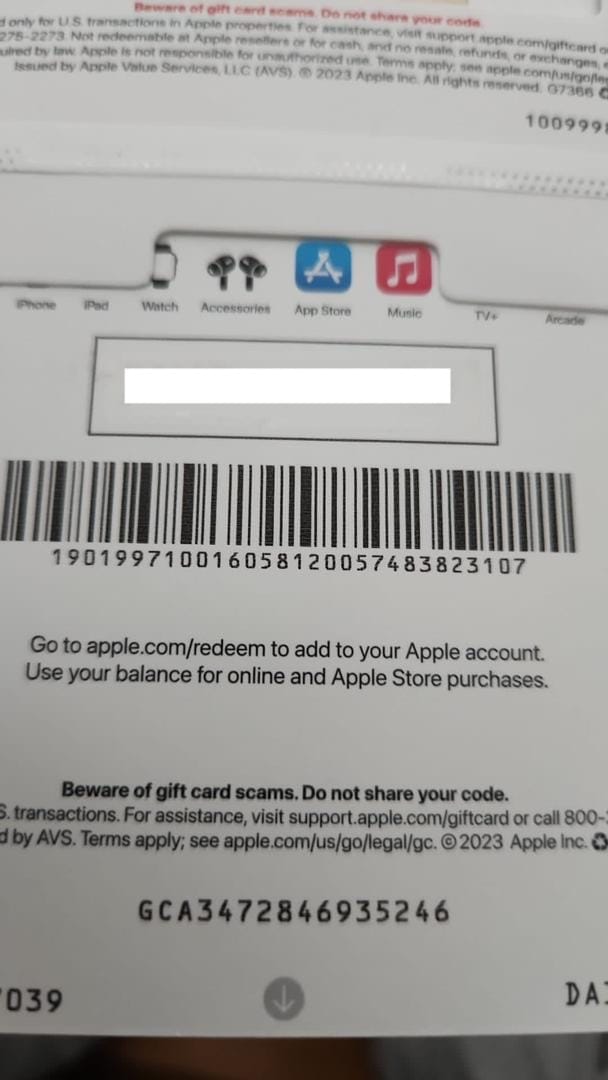
Invalid Code popping up? Could be the wrong card type or a fat-finger entry. Confirm it's the colorful one, then manually type while watching for confusables like B/8, D/O, E/3, G/6, O/Q/0, S/5, U/V, Z/2. Already Redeemed? Sign out from all devices, sign back in, check balance. Not Activated? March it back to the retailer. Region mismatch? Align your Apple ID country or swap the card.
Skip the drama—grab a Apple Gift Card $100 digital code from Buffget: instant crypto delivery (ETH/USDC), sharp prices, full safety checks, wide support, and rave reviews.
Deeper Dives for Stubborn Glitches
Escalation steps:
- Manual entry, double-verifying chars.
- Sign out/in across every device.
- Return to retailer for activation or region issues.
- Call in Apple Support: share the serial (starts with GCA, PBH, or EPY), front/back pics, receipt—but never the 'X' code itself.
Region-locked? Tough luck internationally; tweak via Settings > Apple ID > Country/Region to match.
What's New in 2025 and iOS Tweaks
iOS 18 sharpens camera scanning, but the core steps hold from iOS 11.4.1 onward. Profile tap now surfaces Redeem more reliably. Stick to manual if scans flake—trust me, it does.
Pro Gamer Tips for Apple Gift Cards
Scan flop? Manual all the way, hunting those tricky characters. Balance check? App Store profile or Settings > Apple ID > Payment & Shipping. Stack multiple codes one after another for your game hauls. Serial's not the 'X' code—peel labels ASAP.
My strategy as a vet editor: No dashes when typing. Flow: verify card > sign out > retailer run > support squad.
FAQ: Your Apple Gift Card Questions, Answered
How do I redeem on iPhone/iPad?
App Store > Profile > Redeem > Manually enter that 16-digit 'X' code.
Code not working—why?
Logged in? Region match? Manual-fix O/0, B/8 lookalikes.
Redeem sans Apple ID?
Nope—sign in through App Store profile first.
Invalid code workaround?
Colorful card confirmed? Hunt B/8 pairs; go manual.
Balance check?
App Store profile. Or Settings > Apple ID > Payment & Shipping.
Already redeemed error?
Sign out/in on all devices.
What to Do Right After It Lands
Next moves:
- Confirm balance via App Store profile.
- Jump into an in-app purchase—balance eats it first.
Dive into App Store games or subs pronto. Your loot awaits.