
Related articles


Apple Gift Card: Unlock Roblox Robux & Genshin Crystals iOS No Card
Unlock Roblox Robux and Genshin Genesis Crystals with Apple Gift Card on iPhone/iPad/Mac. No-credit-card top-ups if balance sufficient. Verify App Store/iTunes type (16-digit code), redeem first, buy in-game. Covers troubleshooting and US regions. (48 words)
Buffget
Unlock Roblox Robux and Genshin Genesis Crystals with Apple Gift Card on iPhone/iPad/Mac. No-credit-card top-ups if balance sufficient. Verify App Store/iTunes type (16-digit code), redeem first, buy in-game. Covers troubleshooting and US regions. (48 words)
Introduction to Apple Gift Cards for Gaming
Apple Gift Cards—those handy $1 to $300 slips with a 16-digit code—top up your Apple ID balance for grabbing Roblox Robux or Genshin Crystals right through the App Store. Stick to App Store or iTunes versions only; Apple Store cards won't cut it here. Roblox leans on iTunes for Robux purchases, while Genshin pulls straight from your balance for Crystals. Come December 2025, peek at your Wallet app if you're in the US to spot those funds.
Ever tried fumbling with a gift card code mid-game? Yeah, me neither—redeem first, play later.
Prerequisites and Setup
Log into your Apple ID on your device. Grab Roblox or Genshin from the App Store. Double-check your region matches.
Head to Settings > Apple ID and eyeball your region and payment setup.
Your balance—anywhere from $1 to $300—handles those Robux or Crystals packs no sweat.
US folks: Funds pop up in Apple Wallet.
iPadOS 15+ is the floor here.
Need a reliable source? Buffget's got apple gift card redeem roblox robux genshin top up ios—global low prices, instant delivery, full security, payments like Binance Pay, Bitcoin, ETH, USDT, and killer user ratings.
Redeeming Apple Gift Card
Redeem once, and that balance flows across devices for Roblox or Genshin top-ups. Simple.
On iPhone/iPad:
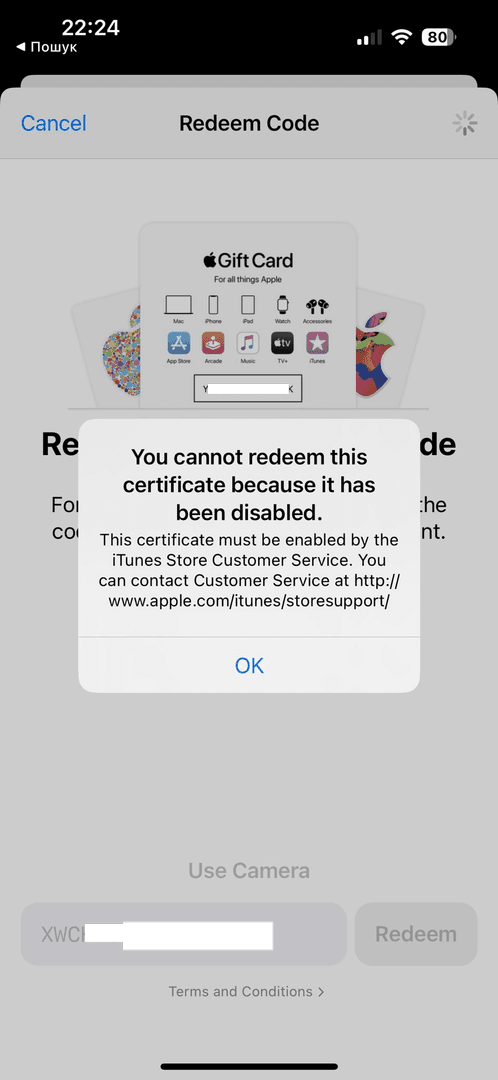
App Store. Tap your profile.
Redeem Gift Card or Code.
Scan with camera or punch in the 16-digit code manually.
Hit Redeem. Boom—instant refresh.
Mac: App Store > your name in the sidebar > Redeem > enter code.
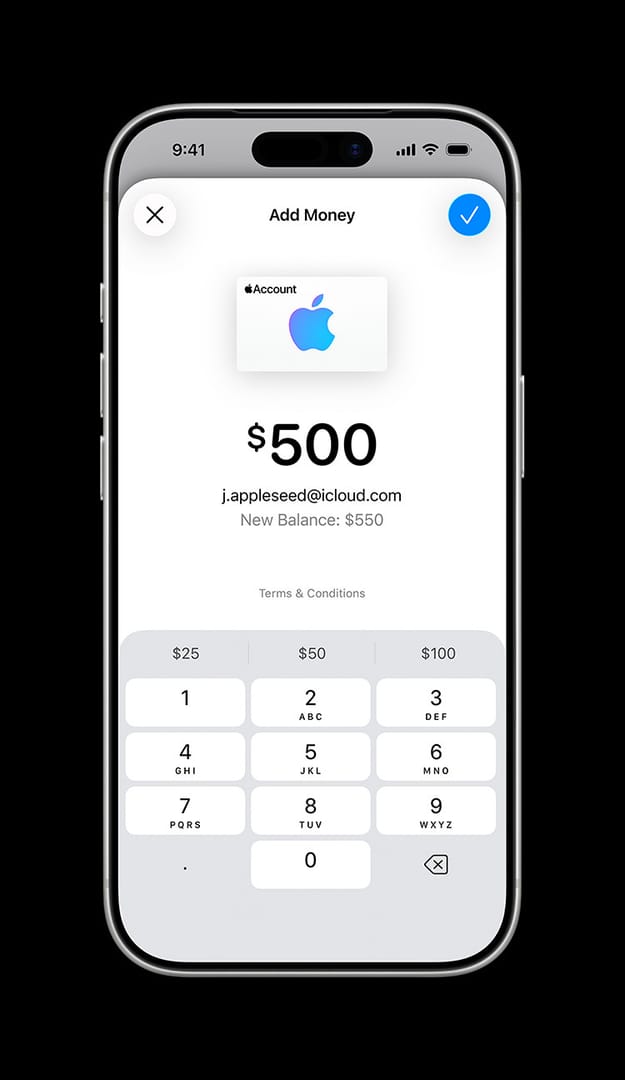
Wallet on iPhone: Wallet app > Apple Account > More > Redeem. Balance lands in Wallet (US users) or settings.
(Pro tip from this editor: Always redeem on mobile first—feels snappier.)
Top-Up Roblox with Apple Balance
Your Apple balance takes priority for Robux. Got enough? No card needed.
iOS Steps:
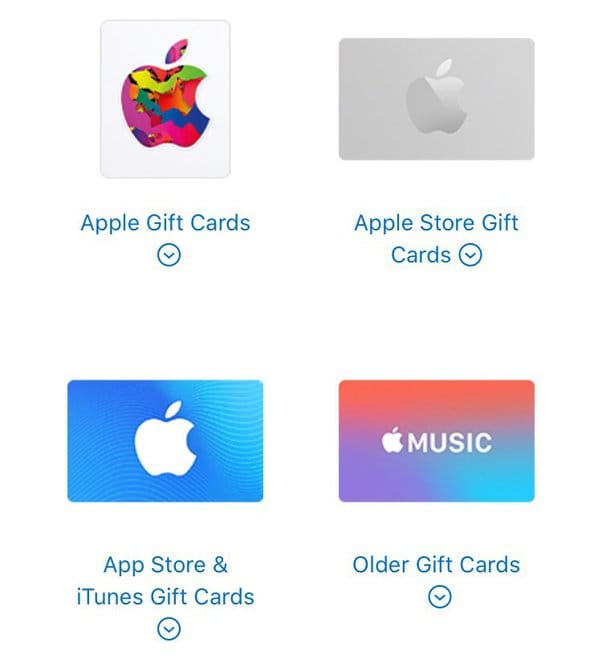
Redeem the gift card ahead.
Fire up Roblox, hit the Robux store.
Pick a package—say, $10 or whatever your balance covers.
Select Apple ID or iTunes. Confirms in a flash.
On iPad (iPadOS 15+): Profile icon first for redeem; iTunes shows as an option. Check balance before buying—don't get caught short.
Buffget delivers buy apple gift card cheap for roblox genshin december 2025 at the lowest rates, super-fast crediting, ironclad security, tons of game support, 24/7 help, and sky-high satisfaction via USDC or cards.
Desktop workaround? Redeem through Apple Music or TV app on Windows, then switch to iOS Roblox.
Genshin Impact Top-Up Tutorial
Score Genesis Crystals in the Shop via your Apple balance—it gets priority.
Steps:
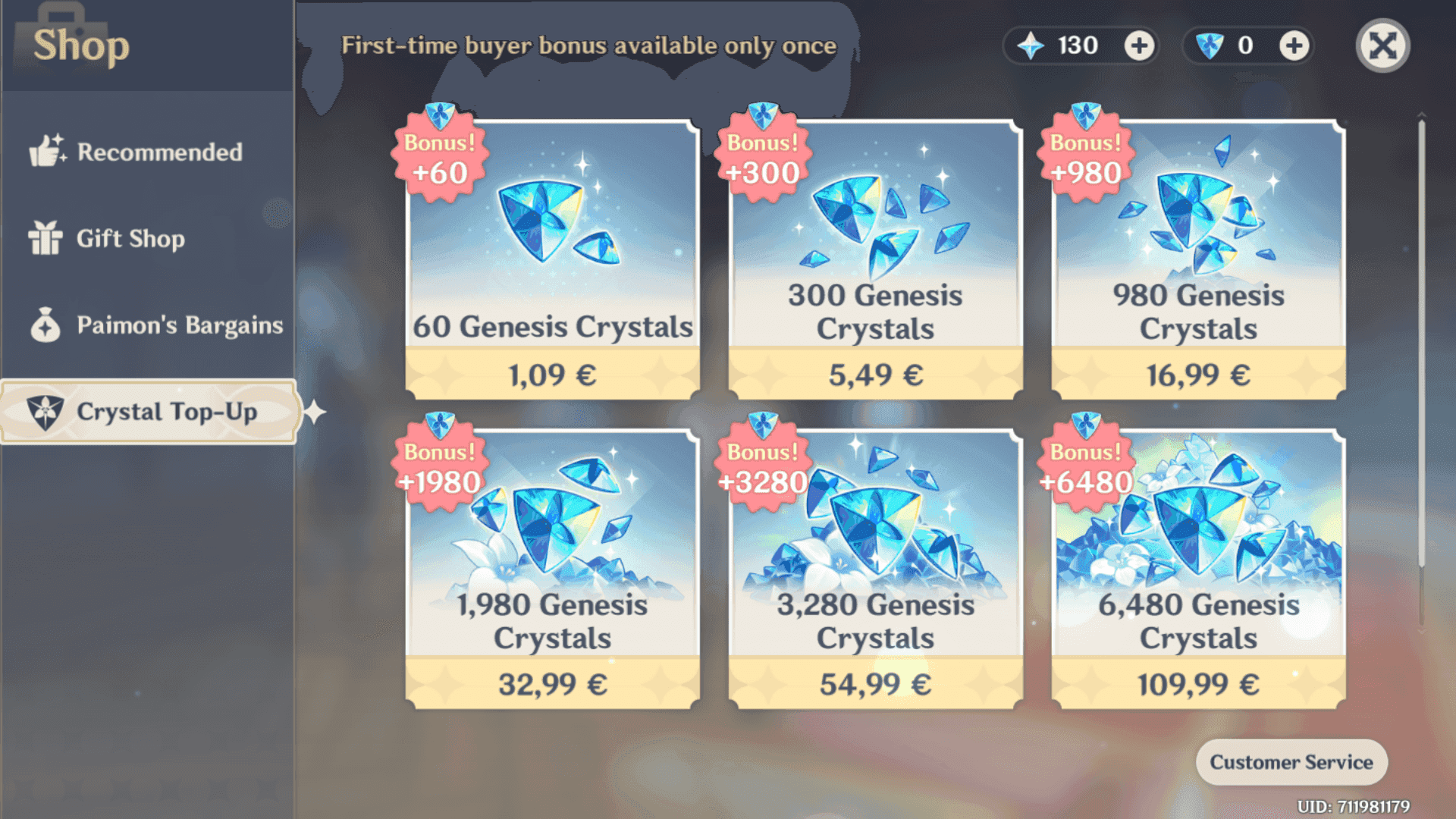
Redeem in the App Store.
Launch Genshin, head to Shop (Paimon's Bargains).
Choose your Crystals package.
Checkout with Apple ID balance.
If it nudges for payment, add one in Apple ID settings.
I've burned through Crystals this way countless times—smooth as silk.
Common Issues and Fixes
Redemption flops? Go manual on the code; sniff out if it's already used.
Purchase denied? Settings > Apple ID > Payment—slap on a card (heads up: can't ditch your last one with active subs).
Genshin or Roblox blocking? Tame those subscriptions, then retry on balance.
Region mismatch? Sync your Apple ID and gift card.
Quick Fixes:
Balance check: Wallet or settings.
Tweak/add payment methods.
Hit Apple Support via chat or phone.
Comparisons and Best Practices
Apple Balance vs. Credit Card: In-app buys favor balance first—safer, skips adding new cards. Gifts or subs tap your primary method. (Research shows balance edges out for seamless iOS flows, per user reports.)
Max value? Snag $10 bundles (around 800 Robux). Pre-top-up balance peek. December 2025 brings iOS exclusives. Redeem official apps only. Verify inventory right after.
Best practice: One device, one flow—keeps it drama-free.
FAQs
Can I use Apple Gift Card for Roblox on iPhone?
Yes—redeem to balance; Robux store > iTunes if it covers.
How do I redeem for Genshin Impact?
App Store > profile > code; then Shop > Crystals > balance.
What if Apple Gift Card doesn't work on Roblox?
App Store/iTunes type only; add payment; verify balance/region.
Steps to top up Genshin with Apple balance?
- Redeem. 2. Shop. 3. Pack. 4. Apple checkout.
Apple Gift Card vs. direct credit card for Genshin?
Balance prioritized; no-card unless prompted.
Check Apple Gift Card balance for gaming?
Wallet (US)/Apple ID settings post-redemption.