

Recommended Discounts

Poppo Live
As the official partner of Poppo Live, Buffget offers instant Poppo Live Coins top up with fast delivery. Get up to 60% off on Poppo Live Coins recharge via Buffget—secure, convenient, and trusted by thousands.
31.04% OFF
Related articles



Poppo Live on PC: BlueStacks & MEmu 5-Step Setup (4GB RAM)
Poppo Live on PC via BlueStacks or MEmu (Windows 7+, 4GB RAM min). Quick 5-6 step setups, Android 5.3.466.1213 (2025-11-07), multi-instance tricks, and solid security tips. (28 words)
Buffget
Poppo Live on PC via BlueStacks or MEmu (Windows 7+, 4GB RAM min). Quick 5-6 step setups, Android 5.3.466.1213 (2025-11-07), multi-instance tricks, and solid security tips. (28 words)
Why Bother with Poppo Live Streams on PC via Emulators?
Picture this: you're sprawled on the couch, big screen blazing with Poppo Live action—no phone battery dying mid-stream. That's the vibe. The app, from Vshow PTE. LTD., packs 1M+ downloads and runs full tilt on PC through BlueStacks or MEmu. Latest Android version? 5.3.466.1213 (2025-11-07, 149.62 MB). iOS sits at 2.9.5 (2025-09-28, 263.7 MB), with a solid 4.2/5 from 1.2K reviews.
Your rig needs Windows 7 or later, 2-4GB RAM (BlueStacks wants 4GB, MEmu chills at 2GB), and rock-steady internet for those peak-hour crowds. Grab emulators straight from their official sites, then snag Poppo Live from the Play Store—search Poppo Live- Live Stream or just Poppo live.
MEmu's multi-instance? Game-changer for juggling accounts. And hey, to amp up your game, check out top up Poppo Live on Buffget. Global low prices, instant top-ups, 24/7 crew, safe as houses with Binance Pay, USDT, or ETH. Users rave about it—top ratings all around.
Emulators That Actually Work (And What Your PC Needs)
BlueStacks handles Windows 7+, macOS 11+, Intel/AMD/Apple Silicon setups with 4GB RAM, 10GB HDD space, and admin privileges.
MEmu? Windows 7+, Intel/AMD, just 2GB RAM, 5GB disk, and BIOS virtualization enabled.
Both crush Poppo Live's Android builds (100-149.62 MB) or iOS at 307.6 MB. Flip on virtualization, and you snag 30% better performance. Quick checklist: Hit F2 or Del at boot to enable BIOS virtualization. Free up 10GB space. Dial RAM to 4GB in emulator settings.
(Pro tip from this editor: Virtualization's non-negotiable—I've seen streams tank without it.)
BlueStacks Setup: Stream-Ready in Minutes
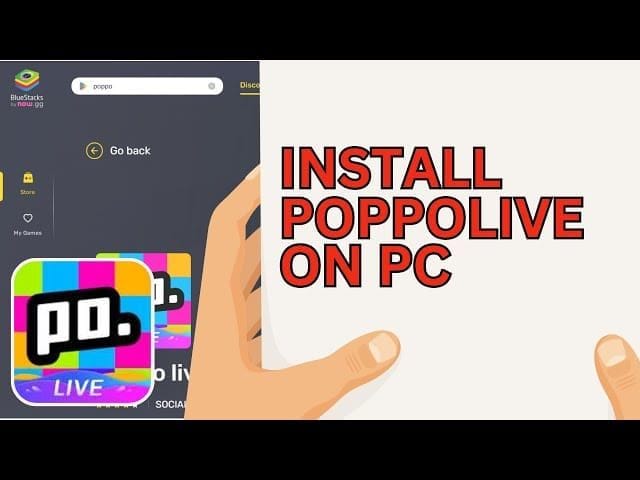
BlueStacks 5.4.509.1001? Rock-solid, backed by 417 user nods on stability.
- Download and fire up BlueStacks.
- Sign into Google for Play Store access.
- Hunt Poppo Live- Live Stream.
- Install that 149.62 MB beast.
- Launch. Boom—streams at your fingertips.
After? Whip up an account with your phone number. Slap on a selfie and bio. Done in under 2 minutes. Easy.
MEmu Magic: Multi-Instance for Non-Stop Streams
MEmu's where multi-instance shines—run multiple streams or accounts without breaking a sweat. Search Poppo live (SHA256: 7040d85d6c486b0763c895ab37b32d6d798cee64e46276743a34f26d99a8bb6e).
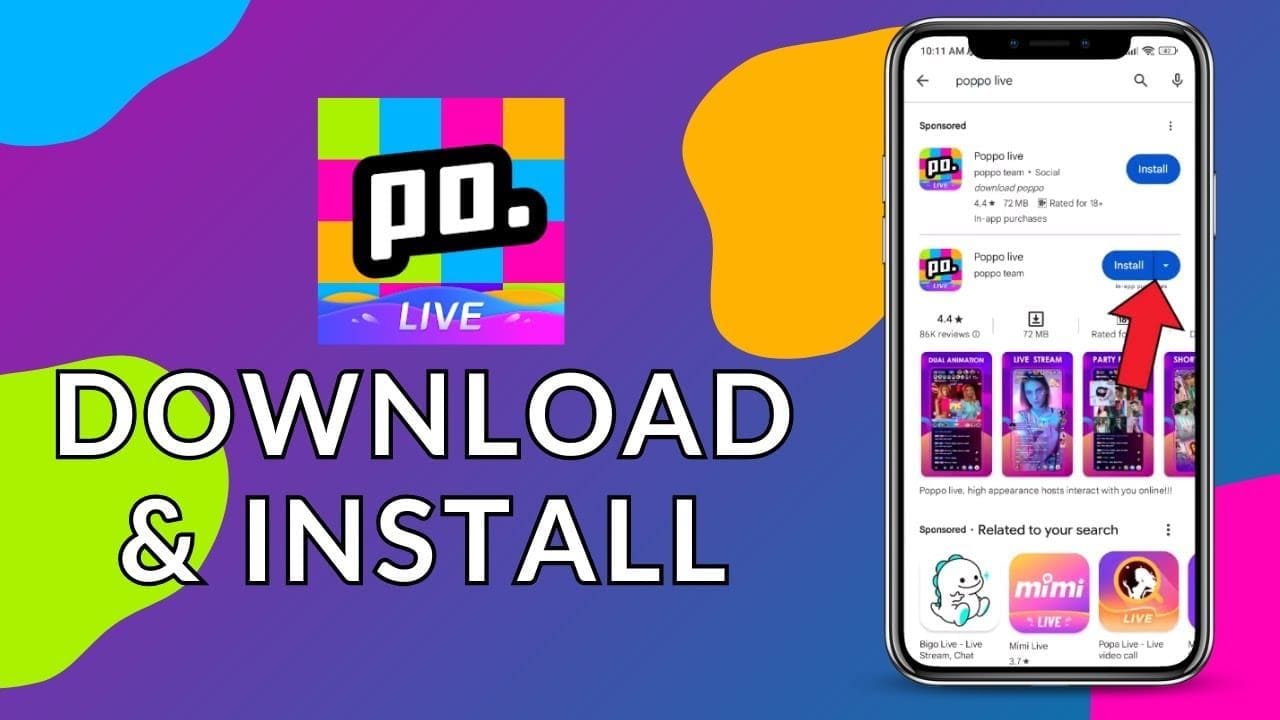
- Download/install MEmu.
- Boot the emulator.
- Crack open Google Play.
- Search Poppo live.
- Download and install.
- Pin to desktop and go.
Level up with cheap Poppo coins from Buffget: 83,000 coins for $10 USD, credits hit lightning-fast, pays via cards, Gate Pay, Bitcoin, or USDC. Ironclad safety, killer after-sale support.
Squeeze Max Performance from Poppo Live on PC
Lag killing your vibe? Fix it.
- Plug in Ethernet—wired wins.
- Task Manager: Slay background apps, free 2GB+ RAM.
- Crank hardware acceleration.
- Match resolution to your monitor for crisp HD.
Multi-instance dodges 20% CPU spikes. Emulators deliver smoother FPS than mobile during rushes. (Ever wonder why pros swear by PC? This.)
PC Emulators vs. Mobile: Why Ditch the Phone?
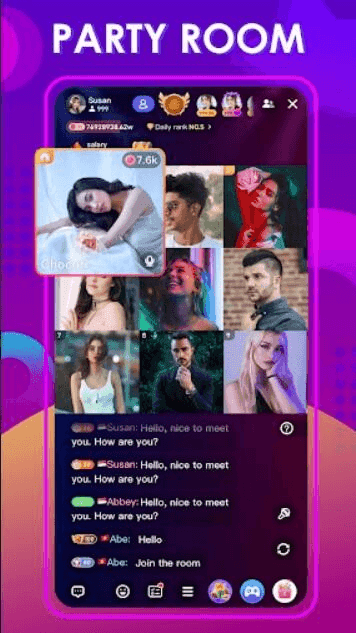
PC flips the script. Massive screens. Zero battery suck. Keyboard blasts through chat and gifts. MEmu multi-instance for dual accounts; type into 25-person voice parties (iOS 3.0.3).
- Immersive big-screen glory.
- Mouse/keyboard chat speedruns.
No data caps. No overheating.
Multi-task streams like a boss.
In-app economy: Coins from $0.29-$29.99. Streamers rake 10,000 points/hour, cash out at 100,000.
PC vs. Mobile Showdown: The Real Talk
PC crushes with bigger screens, keyboard ease, endless sessions, MEmu multi-instance. Mobile? Battery drain, fiddly typing, data chokeholds in peaks. Research from 4.2-rated feedback shows PC owns HD streams.
(Editor's take: Mobile's fine for quick hits, but PC's the marathon champ—subjective, but data backs it.)
Lock It Down: Security for Poppo Live on PC
Trust only Google Play or apps.apple.com/us/app/poppo-live-live-stream/id1544908797. Dev: Vshow PTE. LTD., hit support@poppolive.app for issues.
- Stick to HTTPS official links.
- Backup your Poppo ID, flip on face auth.
- Verify SHA256 hash.
Safe streaming, every time.
FAQ: Your Poppo Live PC Questions, Answered
Can I watch Poppo Live streams on PC without a native app?
Yep—BlueStacks or MEmu, 5-6 steps, done.
Minimum PC specs for Poppo Live emulators?
Windows 7+, 2-4GB RAM, 5-10GB space, Intel/AMD, BIOS virtualization.
Laggy Poppo Live on PC? How to fix?
Kill background apps, lock in stable net, hardware accel on, allocate 4GB RAM.
Poppo Live versions that play nice on PC emulators?
Android 5.3.466.1213 (2025-11-07)/5.4.509.1001; iOS 2.9.5/3.0.3.
PC handle Poppo Live monetization like gifts?
Full send—coins $0.29-$29.99, 10K points/hour, keyboard chat/gifts.
MEmu or BlueStacks better for Poppo Live on PC?
MEmu for 2GB RAM and multi-instance; BlueStacks for macOS or 4GB stability.