

Recommended Discounts

Xena Live Coins
As the official partner of Xena Live, Buffget offers instant Xena Live Coins top up with fast delivery. Get up to 70% off on Xena Live Coins recharge via Buffget secure, convenient, and trusted by thousands.
30% OFF
Related articles


Xena Live Audio Settings: Best EQ & Reverb Guide 2026
Mobile-only singers can dramatically improve vocal quality using Xena Live's built-in reverb and EQ — no external gear needed. Match reverb type to your vocal style, keep wet/dry ratios at 20–35%, and apply targeted EQ per frequency band. Better audio means higher gift rates, stronger retention, and better leaderboard rankings.
Buffget
Why Audio Quality Directly Affects Your Xena Live Performance
Xena Live has surpassed 1 million users since launching April 25, 2026, with a 4.4/5 rating across 3,000+ reviews. That competition makes audio quality a ranking variable, not a nice-to-have.
The platform's music rooms run on real-time voice interaction, PK battles, and virtual gifts. Listeners decide within seconds whether to stay or leave. Clean audio holds attention longer — and longer attention means more gifts.
Mobile mics create three persistent problems:
- Room noise bleed — AC, traffic, and ambient sounds compete with your voice
- Proximity inconsistency — slight mic distance changes cause volume spikes
- Frequency imbalance — phone mics over-emphasize mids and roll off low-end warmth
Xena Live's audio engine is built to compensate for all three — but only when configured correctly.
How the Signal Chain Works
Xena Live processes your mic through a layered pipeline: noise reduction → compression → EQ → reverb. Order matters. Any EQ boost gets amplified by the reverb layer on top. Boost harsh highs in EQ, then add hall reverb, and you've compounded the harshness exponentially. Every setting affects everything downstream.
Audio Quality and Gift Rates: The Direct Link
Xena Live's gift system uses coin packages ranging from 6,700 coins at €0.99 to 680,000 coins at €99.99 — real financial decisions listeners make based on perceived value. Polished audio signals professionalism. Muddy or echoey audio signals the opposite. Top music-room performers consistently cite audio clarity as the most-commented quality by new listeners. To keep your coin balance ready for gifting interactions, discount Xena Live coins global delivery is available through buffget with competitive pricing and fast delivery.
Finding the Audio Settings Panel in Xena Live
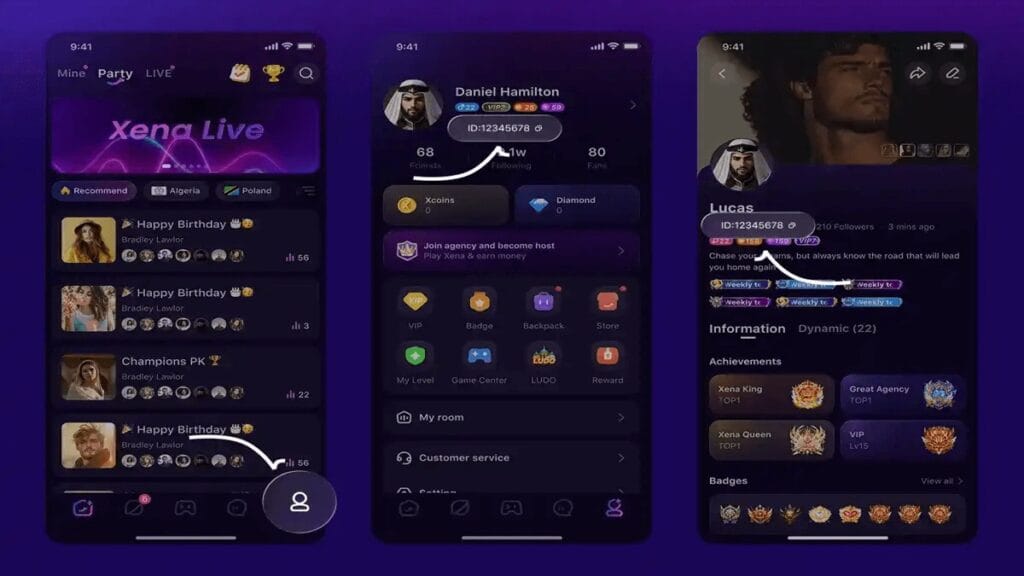
Steps to access:
- Launch Xena Live and enter or create a voice room
- Tap the microphone/audio icon in the bottom-center control bar
- Select Audio Settings or Voice Effects from the popup
- Navigate tabs/sliders for: Reverb, EQ, Noise Reduction, Compression
- Adjust in real-time while singing to hear immediate feedback
New Android users: Enable Settings > Security > Install from Unknown Sources, download the APK, sign up with phone/email, enter verification code, add username and profile photo, then join a room.
iOS vs. Android: Key Differences
- iOS (Xena Group Voice Party, 273.8 MB, requires iOS 14.0+): Apple's Core Audio applies hardware-level noise gating before the signal reaches Xena Live's software. Start noise reduction at 40–50% inside the app.
- Android (Xena Lite 9.75 MB or full app 256.3 MB, requires Android 5.0+): OEM mic processing varies by manufacturer. Start noise reduction at 60–70% and reduce from there.
Optimal Reverb Settings for Mobile Singers
Reverb is the most impactful — and most misused — tool available. Done right, it adds warmth and presence. Done wrong, it creates an unintelligible echo chamber.
Reverb Types in Xena Live
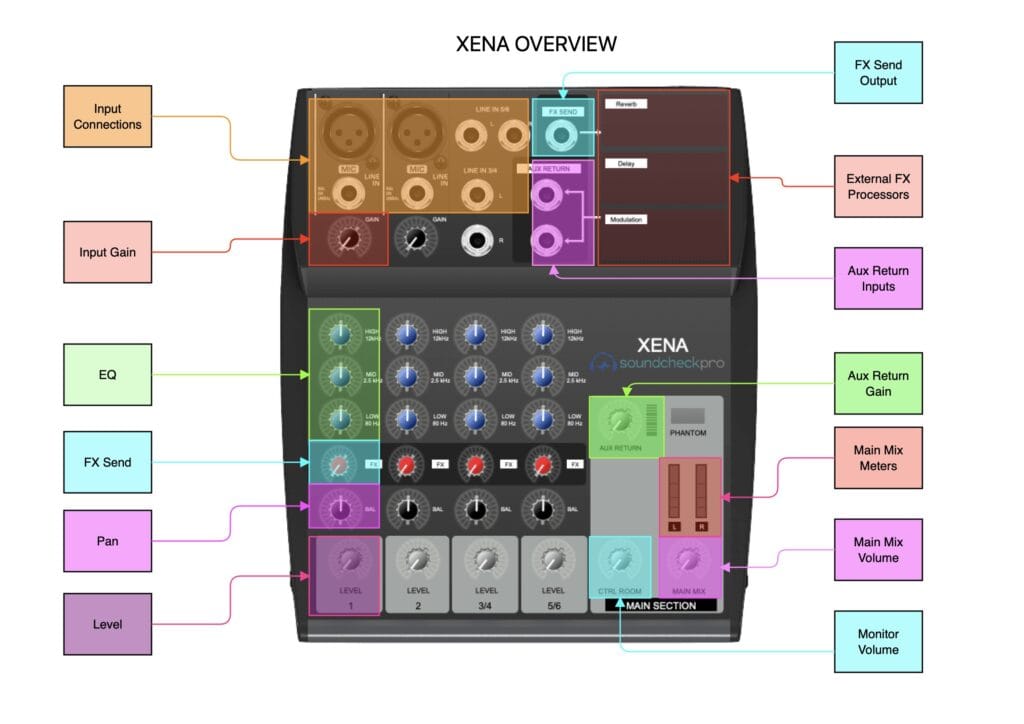
- Room Reverb — Short decay (0.4–0.8s); adds warmth without distance; best all-around starting point
- Hall Reverb — Long decay (1.5–3s); creates grandeur but exposes every imperfection; only for singers with strong breath control and clear diction
- Plate Reverb — Smooth, dense, bright; ideal for pop and R&B vocals
- Spring Reverb — Vintage, slightly metallic; suits folk, indie, and retro styles
Recommended default: Room Reverb or Plate Reverb for most mobile-only singers.
Wet/Dry Ratios by Vocal Style
- Pop/Contemporary: 20–28% wet
- Ballad/Emotional: 28–38% wet
- R&B/Soul: 22–30% wet
- High soprano: 15–22% wet (soprano frequencies carry naturally; excess reverb creates shrillness)
- Lower tenor/baritone: 25–35% wet (low frequencies benefit from slightly more reverb for warmth)
⚠️ Never exceed 40% wet on a mobile mic. Beyond that, room noise gets reverbed alongside your voice — the result is washed-out and unprofessional.
Match Reverb to Your Physical Environment
Your room and your in-app settings must work together:
- Bathroom/tiled room: 0–10% wet or disable reverb entirely; use EQ instead
- Bedroom with soft furnishings: 20–30% wet (ideal natural starting point)
- Closet/wardrobe: 25–35% wet (fabric absorption creates a very dry signal)
- Open living room: 15–22% wet (larger spaces add natural early reflections)
Double-reverb — natural room reverb plus in-app reverb stacked on top — is the most common audio mistake on the platform.
Mastering EQ Settings for Xena Live Vocals
EQ shapes your voice's frequency content. Xena Live's EQ panel covers five bands:
- Low (80–200 Hz): Chest resonance and warmth; too much = muddy; too little = thin
- Low-mid (200–500 Hz): Body of the voice; boost for fullness, cut to reduce boxiness
- Mid (500 Hz–2 kHz): Presence and intelligibility; most critical range for mobile mics
- High-mid (2–6 kHz): Clarity, consonants, articulation; careful boosts improve diction
- High (6–16 kHz): Air and brightness; subtle boosts add polish; excess creates harshness
Universal mobile mic fix: Gentle cut at 300–400 Hz (the boxy zone phone mics over-emphasize) + subtle boost at 2–4 kHz for presence.
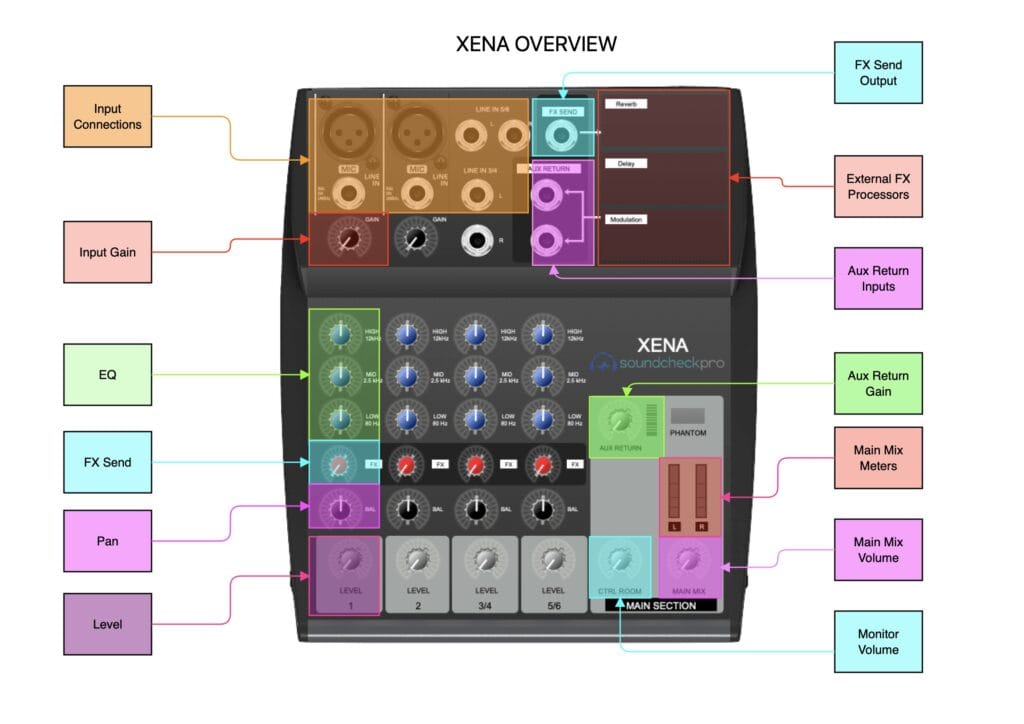
EQ Templates by Voice Type
Soprano/High voices (risk: harshness and sibilance):
- Low: +2 to +3 dB
- Low-mid: flat or -1 dB
- Mid: flat
- High-mid: -2 to -3 dB
- High: -1 to -2 dB
Alto/Mezzo (mid-range voices) (most versatile):
- Low: flat or +1 dB
- Low-mid: -2 dB
- Mid: +1 to +2 dB
- High-mid: +1 dB
- High: flat
Tenor/Baritone (lower voices) (risk: muddiness):
- Low: -2 to -3 dB
- Low-mid: -3 dB (critical cut)
- Mid: +2 dB
- High-mid: +2 to +3 dB
- High: +1 dB
For fully stocked coin balances during broadcast sessions, Xena Live coins fast top up by ID through buffget offers secure transactions and instant delivery.
Presets vs. Manual Settings: Which to Use
Xena Live's built-in presets apply fixed EQ curves and reverb calibrated for an average voice in an average room. They're adequate for casual use but plateau fast in competitive music rooms.
Use presets when: You're new, testing a new environment, or broadcasting spontaneously.
Go manual when: You're preparing a scheduled broadcast, entering a PK battle, or targeting leaderboard rankings.
Pro tip: Singers who invest time in manual configuration consistently outperform preset users in audience retention. The performance ceiling of presets is real.
Common Audio Mistakes to Avoid
Over-Reverb (The #1 Error)
Setting reverb above 45% wet on a mobile mic washes out consonants and causes listeners to disengage within 10–15 seconds. The instinct to add more reverb to sound professional is counterproductive — professional audio means clarity, not effect quantity.
Three EQ Pitfalls
- Scooped mids — Cutting 500 Hz–2 kHz to sound cleaner removes vocal presence; your voice disappears in a busy room
- Excessive bass boost — Amplifies handling noise, breath sounds, and room rumble from phone mics
- Harsh high boosts — Boosting above 8 kHz amplifies digital artifacts and mic self-noise
Ignoring Noise Reduction and Compression
Both tools are in Xena Live's audio panel. Both are frequently left at ineffective defaults.
Recommended bedroom broadcast settings:
- Noise reduction: 50–65%
- Compression: 3:1 ratio (light)
This creates a consistent, controlled vocal signal that holds listener attention through an entire session.
FAQ: Xena Live Audio Engineering
Does better audio actually increase gifts? Yes. Audio clarity is the primary factor in whether new listeners stay. Cleaner audio extends average session time, which directly increases gift opportunity windows.
Best reverb settings for Xena Live mobile singing? Room or Plate Reverb at 20–30% wet for most vocal styles. Reduce wet percentage in naturally reverberant spaces like bathrooms or tiled rooms.
Can a smartphone achieve broadcast-quality sound on Xena Live? Yes — broadcast quality is sufficient to compete at the top of music rooms. Xena Live's in-app processing closes a significant portion of the gap between mobile and studio setups when configured correctly.
Is the audio experience different on iOS vs. Android? Yes. iOS (14.0+) applies Core Audio hardware processing before the signal reaches the app, giving a cleaner baseline. Android (5.0+) users should apply slightly higher noise reduction to compensate for variable OEM mic processing.
How do I stop sounding echoey or distorted? Reduce reverb wet to below 25%, avoid naturally reverberant rooms, and cut 300–400 Hz in EQ. If distortion persists, lower mic input gain and increase compression to control dynamic peaks.
Presets or custom settings — which wins? Custom settings, every time. Manual configuration calibrated to your voice type and environment consistently outperforms any preset, especially in competitive music rooms and PK battles.