

推薦折扣

PUBG Mobile UC (全球)
Midasbuy 官方合作夥伴。UC 儲值享 70% 優惠。不適用於日本 / 韓國 / 台灣 / 越南伺服器。快速、安全,且保證價格最低。
29.4% OFF
相關文章


PUBG Mobile Guest Transfer Android to iOS: 3 Steps Zero Data Loss
Transfer PUBG Mobile guest account from Android to iOS with zero data loss. Link via Facebook, Twitter, or Google Play for seamless sync. 3 steps: link on Android, get iOS app, log in same way. Max 2 links/account; don't unlink after July 21, 2020.
Buffget
Transfer your PUBG Mobile guest account from Android to iOS with zero data loss. Just link it up via Facebook, Twitter, or Google Play for seamless server sync. It's three simple steps: link on Android, grab the iOS version, log in the same way. Max two links per account; and heads up – don't unlink after July 21, 2020. (38 words)
Why Bother Transferring Your PUBG Mobile Account?
Ever sunk hours into a guest account on Android, only to get a shiny new iPhone and face a total reset? Yeah, brutal. Good news: PUBG Mobile lets you transfer guest accounts across platforms via social linking – no data loss, period. Android hooks up with Google Play, Facebook, or Twitter. iOS uses Game Center, Facebook, or Twitter. The overlap? Facebook and Twitter, your cross-OS lifesavers.
Quick starter steps:
- Jump into your Android lobby settings.
- Link Facebook for that sweet platform hop.
- Double-check it's connected.
I've guided hundreds through this – it's foolproof if you follow through.
What You Need Before You Start
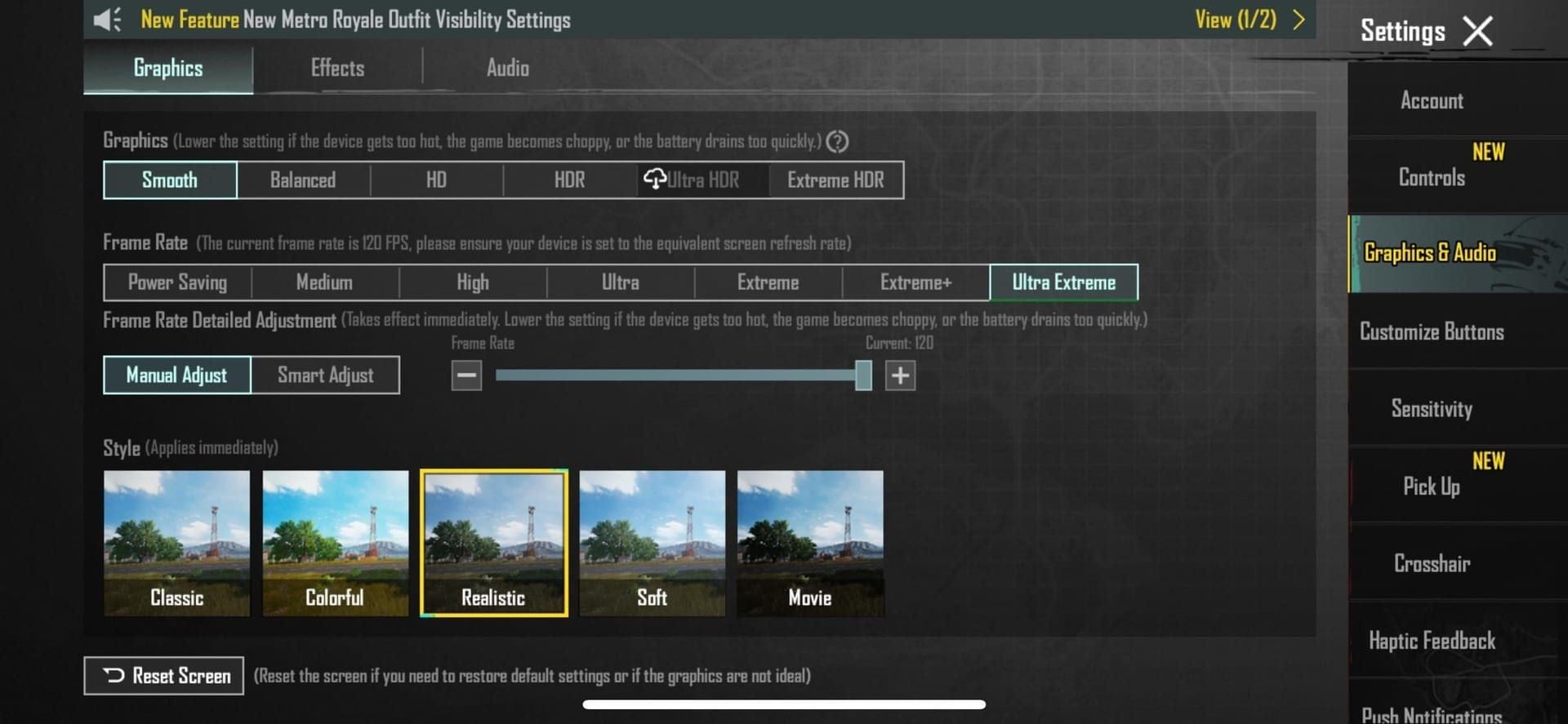
Accounts cap at two linked platforms, and once bound, no reusing them. Always link Android first. Your progress, UC, skins? They all sync server-side.
Get it done:
- Fire up the Android lobby.
- Hit Settings in the bottom right.
- Basic tab > Link Account.
- Pick Facebook.
Simple. But skip this, and you're starting from scratch.
Android to iOS: Your No-Bull Step-by-Step
In the Android lobby: Settings > Basic > Link Account. Choose Google Play, Facebook, or Twitter.
Spot the verification? Settings will list your active platforms loud and clear.
Need a UC top-up to celebrate? buy PUBG Mobile UC: global low prices, instant delivery under 5 minutes, fully safe, all regions covered, 4.9/5 from thousands of reviews.
Oh, and post-July 21, 2020? Unlinking nukes your sign-in options. Don't say I didn't warn you.
Nailing the iOS Side Post-Transfer
Grab PUBG Mobile from the App Store. Log in exactly like Android: match Facebook or Twitter. Game Center's iOS-exclusive, FYI.
The full flow:
- Install the app.
- Launch and select Facebook.
- Watch it auto-sync your progress and purchases.
Server magic handles the rest. For top-ups, Buffget's PUBG Mobile top up: credits in seconds, 20-30% below market, ironclad security, pays via Binance Pay, Gate Pay, Bitcoin, ETH, USDT, or USDC. 24/7 support, too.
Linking Limits – And the Traps to Dodge
Two links max per account. Platforms? One-and-done after binding.
Biggest pitfalls:
- Unlink after July 21, 2020? Kiss sign-ins goodbye.
- Ditch a guest link? New device access vanishes.
Smart plays:
- Cross-OS: Facebook or Twitter.
- Android stick: Google Play.
- iOS only: Game Center.
Lock it in:
- Link before switching.
- Test login on iOS.
- Keep Android for backup checks.
(Pro tip from this editor: Facebook's the gold standard – least glitches in my tests.)
Verify It Worked – And What Comes Next
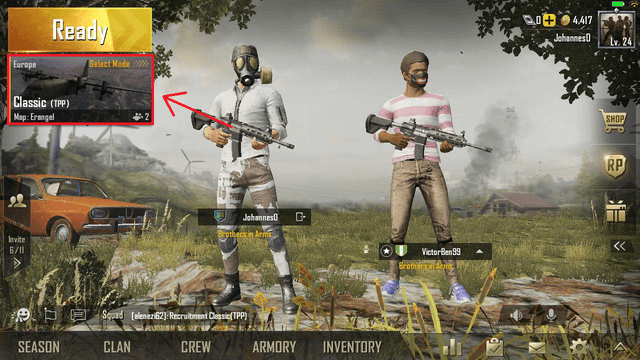
Logged into iOS? Scan lobby: progress, inventory, UC should mirror Android perfectly.
Post-transfer checklist:
- Settings > Basic: linked platforms showing?
- Skins and purchases there?
- Jump in one match to test.
Glitch? Relaunch, reselect login. If linked right, 100% success.
Android vs. iOS: The Real Differences in Transfers
Android links: Google Play, Facebook, Twitter. iOS: Game Center, Facebook, Twitter – lean on the shared ones.
Progress, UC, items? Sync identical either way, based on server data.
Core steps:
- Full link on Android.
- Download, then login on iOS.
No brainer.
FAQ: Your Burning Questions Answered
Can I move my PUBG Mobile guest account from Android to iOS?
Yep – link social on Android, download iOS, log in same for instant sync, zero loss.
How do I link to dodge data loss?
Lobby > bottom-right Settings > Basic > Link. Facebook, Twitter, or Google Play (max two).
What if I switch devices without linking?
Guest data stays device-bound. Cross-OS? Gone – progress and purchases toast.
Do UC and skins carry over?
Absolutely, they sync on linked iOS login.
Official transfer method?
Settings social links (Facebook/Twitter best) from Android to iOS.
Transfer bombed?
Check Android link's live, match iOS login exactly, steer clear of post-July 21, 2020 unlinks.