

Recommended Discounts

Poppo Live
As the official partner of Poppo Live, Buffget offers instant Poppo Live Coins top up with fast delivery. Get up to 60% off on Poppo Live Coins recharge via Buffget—secure, convenient, and trusted by thousands.
31.04% OFF
Related articles


Poppo Live Face Authentication: Complete Verification Guide
Poppo Live requires Level 5 KYC face authentication for all users 18+ before granting broadcasting privileges. The process covers camera permissions, government ID upload, real-time liveness scan, and review submission. Automated results arrive in under 2 minutes, with a 70% pass rate. Regional review runs 30 minutes to 5 days. You get 3 retry attempts per 24-hour window before needing support.
Buffget
What Is Poppo Live Face Authentication and Why It Matters
Face authentication is Poppo Live's mandatory Level 5 KYC gate — combining biometric facial recognition with government ID validation to confirm broadcasters are real, age-eligible individuals. Without it, your account stays in viewer-only mode regardless of registration age.
Three reasons this exists: community protection from underage/fraudulent accounts, tying monetization to verified identities, and regional digital broadcasting compliance.
What You Unlock After Passing
- Full Live Streaming Module access — no broadcast restrictions
- Eligibility to receive virtual gifts via the Poppo Live Gift System
- Entry into the Host Rank System and level progression rewards
- Host Dashboard with real-time analytics
- Monetization pathways tied to your verified identity
- Access to platform events and host-exclusive campaigns
Unverified users can watch and send gifts — but can't broadcast or access any host-side earning features.
Once verified, Poppo Live coins recharge safe online is available through buffget, offering secure and competitive coin top-ups so you're ready to engage from your first broadcast.
Eligibility Requirements Before You Start
Attempting verification without meeting these requirements guarantees rejection.
Age and Account Prerequisites
- Must be 18 or older — no exceptions
- Active Poppo User ID (8–10 digits) in good standing
- No active suspensions or community guideline violations
Device and Camera Requirements
- Android: 6.0+
- iOS: 12.0+
- App version: 2.9.6+ (released October 9; previous version 2.9.5 released September 28)
- Front camera: 5MP minimum
- Rear camera: 8MP minimum — below this frequently fails document clarity checks
- Internet: 2 Mbps minimum
- Battery: Above 50% to prevent interruptions during liveness detection
Regional Availability
- EU / North America: 30 minutes to 48 hours
- MENA / Africa: 3–5 business days for manual review
- Government ID must be valid 6+ months beyond submission date
- Address proof must be dated within the last 90 days
Step-by-Step Poppo Live Face Authentication
Skipping or reordering steps is a common cause of submission errors.
Step 1 — Grant Camera Permissions First
- iOS: Settings → Privacy → Camera → toggle Poppo Live on
- Android: Settings → Apps → Poppo Live → Permissions → grant Camera
If previously denied, the app won't re-prompt — enable manually through device settings.
Step 2 — Navigate to Verification Center
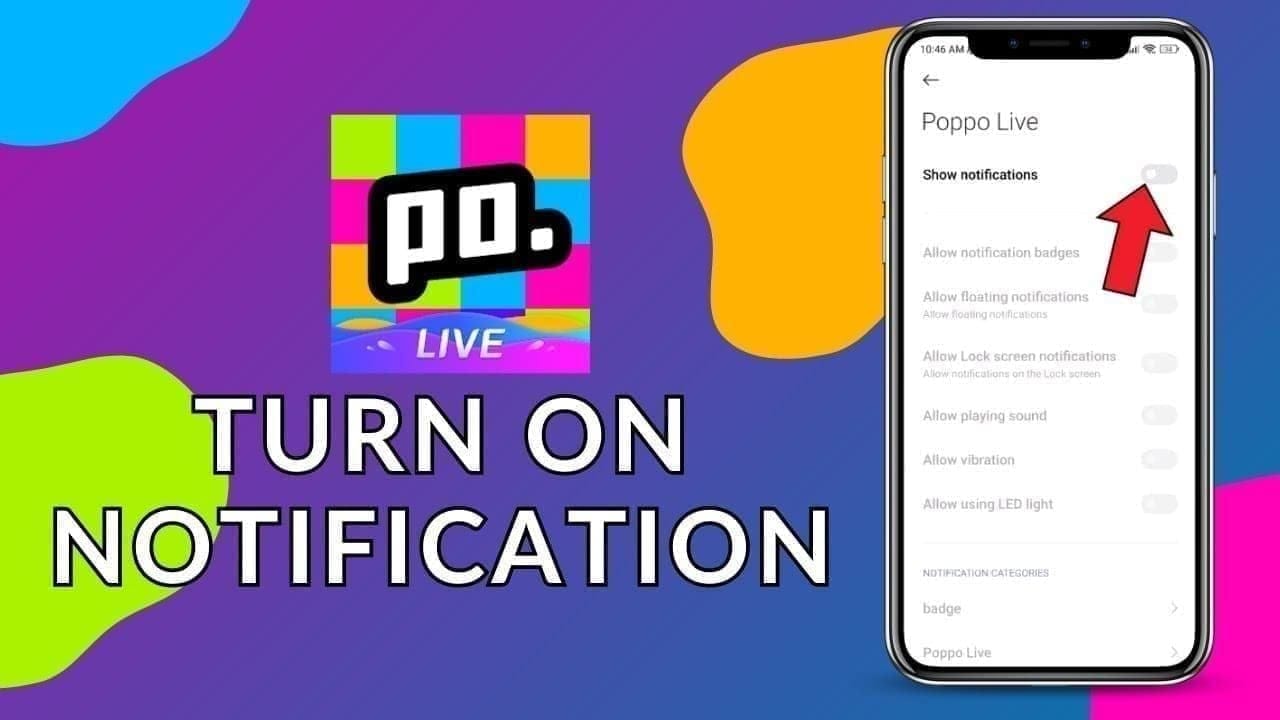
- Open Poppo Live → tap your profile icon
- Select Profile → tap Auth Access Verification
- Confirm your Poppo User ID is correct — use copy-paste, not manual entry, to avoid digit errors
Step 3 — Upload Government ID Documents
- Upload front and back separately — combined images are rejected
- PNG or JPG only, max 5MB per image
- Minimum 1080p resolution for both selfies and document scans
- All four ID corners must be visible — no glare or shadows on text
Step 4 — Complete the Real-Time Face Scan
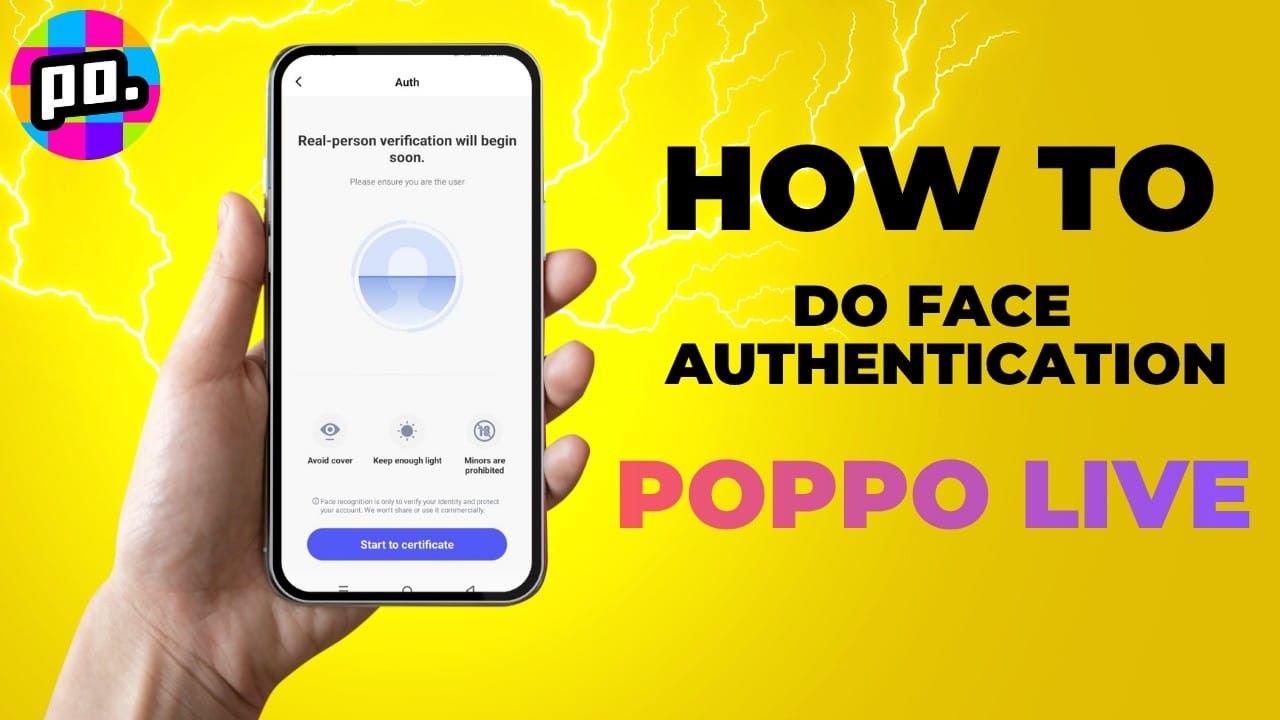
- Hold your ID next to your face at cheek level, 12–18 inches from the camera
- Eyes in the upper third of the frame; face filling 60–70% of the frame
- Follow on-screen liveness prompts — head tilts and nods confirm you're live, not a photo
- No accessories blocking facial landmarks
Step 5 — Submit and Monitor Status
Tap Submit. Automated results arrive in under 2 minutes. If entering manual review, you'll see Pending or Under Review in your Host Verification Center.
Optimal Conditions to Pass on the First Try
Poor lighting causes 30% of all face authentication failures — environment setup matters as much as the steps themselves.
Lighting
- Natural light (best): Face a window with daylight at a 45-degree angle. Never backlit — light behind you silhouettes your face and causes immediate failure.
- Artificial light: Ring light 12–18 inches away, 60–70% brightness, 5500K color temperature. Avoid warm yellow bulbs or harsh overhead fluorescents.
Camera Angle and Distance
- Maintain 12–18 inches throughout the scan
- Camera at eye level — angling up or down skews facial geometry and triggers mismatches
- Eyes stay in the upper third of the frame during the entire liveness detection
Environment and Technical Prep
- Plain, uncluttered background — busy backgrounds confuse edge-detection
- Disable VPN completely — VPNs trigger a 30% risk flag, routing submissions to extended manual review or auto-rejection
- Clear app cache before submitting: Android: Settings → Apps → Poppo Live → Storage → Clear Cache; iOS: uninstall and reinstall
Pro tip: Instant Poppo app coins recharge through buffget means your account is funded the moment verification clears — competitive pricing, fast delivery, ready for your first broadcast.
Common Errors and Fixes
Face Not Detected
Cause: Poor lighting, face too small in frame, or incomplete liveness prompts. Fix: Reposition to well-lit environment, fill 60–70% of frame, complete all head movements before the timer expires.
Image Quality Too Low
Cause: Camera below minimum resolution or motion blur. Fix: Confirm front camera is 5MP+ and rear is 8MP+. Hold device completely still. Clear cache and retry.
Verification Declined
Cause: Expired ID, address proof older than 90 days, mismatched info, or VPN active. Fix: Verify ID is valid 6+ months beyond submission, get a current address proof, disable VPN, clear cache, resubmit. You have 3 retries per 24-hour period.
Stuck in Pending
Cause: Manual review queue — common in MENA and Africa (3–5 days). Fix: Wait the full regional window. If pending beyond 5 business days, contact support with your Poppo User ID. After 3 consecutive rejections, escalate to support — don't keep retrying without guidance.
Processing Times
- Automated results: Under 2 minutes
- EU / North America manual review: 30 minutes to 48 hours
- MENA / Africa manual review: 3–5 business days
- Manual review success rate: 85%+ — most submissions reaching human reviewers are approved
Under Review means you passed automated checks but need human ID/biometric verification — this is normal. Pending beyond your regional window warrants a support inquiry.
Data Privacy and Security
- Facial biometric data retained for a maximum of 60 days post-submission, then permanently purged
- Liveness detection blocks static photo spoofing
- Encrypted data transmission throughout the scan
- Biometric data is never shared with third parties for advertising or profiling
After verification, enable two-factor authentication immediately through account security settings.
Pro Tips From Experienced Hosts
Pre-submission checklist:
- App updated to 2.9.6+
- VPN completely disabled (not just paused)
- Cache cleared within the last hour
- Battery above 50%
- Connection confirmed above 2 Mbps
- Lighting setup confirmed
During the face scan:
- Complete liveness movements slowly and deliberately — rapid movements cause detection lag
- No glasses, hats, or heavy makeup altering facial geometry
- Neutral expression during the initial capture frame
Document prep:
- Photograph ID on a dark, matte surface to eliminate glare
- All ID text sharp and readable at 1080p before uploading
- Copy-paste your Poppo User ID — never type it manually
If you fail: Wait the full 24-hour reset window before resubmitting. Retrying with the same conditions wastes one of your three daily attempts.
What to Do After Passing Verification
Passing is the start, not the finish. Your first 48 hours set the foundation for channel growth.
Immediate steps:
- Enable two-factor authentication
- Complete your Host Profile — clear photo, bio, broadcast category
- Familiarize yourself with Host Dashboard metrics
- Read Platform Community Guidelines in full — violations can suspend broadcasting privileges even for verified hosts
- Plan your first broadcast: defined topic, scheduled time, minimum 30-minute duration for maximum algorithmic visibility
First broadcast checklist:
- Bandwidth stable above 2 Mbps
- Test audio/video in a private stream before going public
- Set up Gift System display to encourage viewer engagement
- Announce broadcast time in advance to build initial audience
Verified status also unlocks Host Rank progression — broadcasting consistency, viewer engagement, and gift volume all drive rank advancement and unlock additional features and earning potential.
Frequently Asked Questions
Q: How do I start face authentication on Poppo Live? Tap your profile icon → Profile → Auth Access Verification. Grant camera permissions in device settings first.
Q: Why does Poppo Live require face verification to broadcast? It enforces the 18+ age requirement, prevents fraudulent accounts from accessing monetization, and ensures broadcaster identities meet community safety and regulatory standards.
Q: What happens if my verification fails? You get a failure notification with a reason code. Resubmit up to 3 times within 24 hours. After 3 consecutive rejections, contact Poppo Live support with your Poppo User ID for manual escalation.
Q: How long does verification take? Automated: under 2 minutes. Manual review: 30 minutes to 48 hours (EU/North America) or 3–5 days (MENA/Africa).
Q: Is my face data safe? Yes. Biometric data is retained max 60 days for dispute resolution only, then permanently deleted. Liveness detection prevents spoofing; transmission is encrypted.
Q: Can I use Poppo Live without completing face authentication? You can watch streams and send gifts. But broadcasting, the Host Rank System, and all monetization features are locked until Level 5 KYC face authentication is complete.