

Recommended Discounts

PUBG Mobile UC (Global)
Official Midasbuy Partner. Get 30% OFF UC Top Up. Not for Japanese / Korean / Taiwan / Vietnam servers. Fast, secure, and the lowest price guaranteed.
29.4% OFF
Related articles


PUBG Mobile Region Change Guide 2026: Unlock Bonus Challenges
Master the PUBG Mobile Region Change Guide 2026 to unlock exclusive Bonus Challenges and optimize gameplay. Learn how to safely switch server regions every 60 days, access Gold V+ required events on Asian servers via specific VPN locations like Israel or Egypt, and navigate the 2026 esports roadmap. Understand regional rank thresholds and UC top-up restrictions to maximize rewards without risking account integrity.
Buffget
Why Players Change Regions in 2026
Professional players and competitive enthusiasts modify their server regions primarily to align with the 2026 esports roadmap and access lucrative tournament schedules. The 2026 competitive circuit is aggressive, featuring four major global tournaments with a combined prize pool of $7 million. Players looking to qualify for the PMNC events must prepare for the start in January 2026, followed by open qualifiers scheduled from February to March. Regional leagues run from March to May, leading into high-stakes events like PMGO Season 1 in Southeast Asia (July-August 2026) and PMGO Season 2 in Pakistan (September 2026). Beyond competitive play, players switch regions to participate in exclusive events that may not be active in their home server, ensuring they never miss an opportunity to earn rewards.
Understanding the economic landscape of different servers is crucial for maximizing the value of your in-game purchases. Currency restrictions vary significantly; for instance, PUBG Mobile UC (Global) covers all regions except Japanese, Korean, Taiwan, and Vietnam servers. Players looking to maximize their inventory often seek reliable sources to fund their cross-region activities. You can easily PUBG Mobile UC buy through buffget to ensure you have the necessary funds for Royale Pass and event purchases. This platform offers competitive pricing and secure transactions, which is essential when managing resources across different regional servers that have specific currency locks.
Understanding PUBG Mobile Region Locks & Bonus Challenges
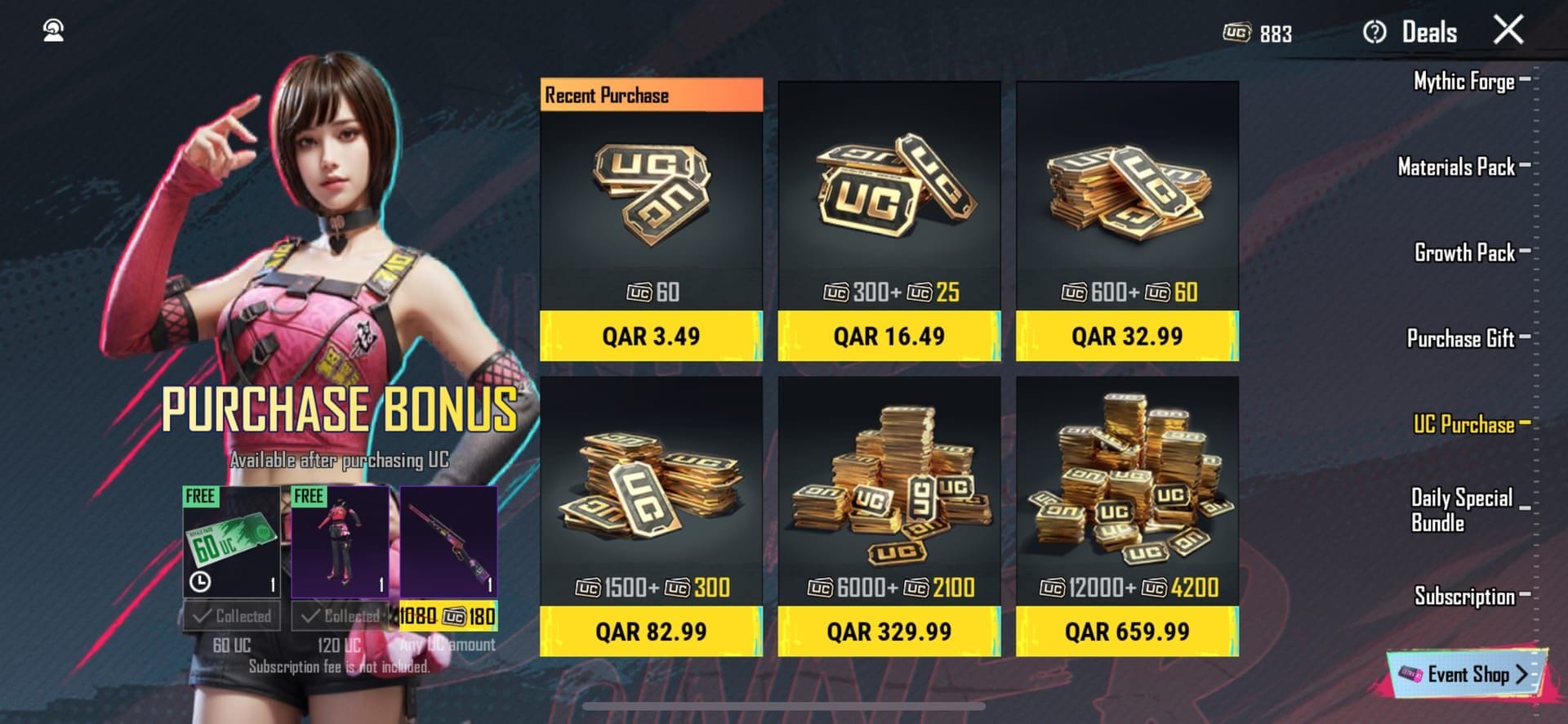
Region locking in PUBG Mobile dictates both accessibility to specific game modes and the validity of in-game currency. The game enforces strict boundaries where UC purchased for one region often cannot be used in another. Specifically, PUBG Mobile UC (MY) is limited to Malaysia registered users, while similar restrictions apply to Taiwan (TW), Thailand (TH), and Indonesia (ID). This segregation means players must be strategic about where they top up. Furthermore, the Royale Pass, which starts January 9, 2026, offers packs like the Elite Pass Plus Pack that are purchasable once per season, requiring players to plan their spending around the region they are actively playing in.
The Bonus Challenge is a primary driver for region switching, offering tangible UC rewards (10-50 UC) for completing specific objectives. However, access is highly conditional. The Bonus Challenge on Asian servers requires players to achieve Gold V+ rank. The event is time-gated, running from 12pm-7:30pm, and must be played in Classic Squad mode. The challenge features three distinct levels: Novice, Adept, and Expert. To bypass geographical restrictions and access this event, experienced players utilize specific VPN nodes. Reports indicate that connecting via a VPN Israel or VPN Egypt successfully grants access to the Bonus Challenge lobby, allowing players to farm UC efficiently.
Risks of Changing Regions (Account Safety First)
Altering your server region is not without significant risks, primarily centered on account integrity and data stability. The game allows players to change server region every 60 days, but attempting to bypass this cooldown through unauthorized third-party tools can trigger detection algorithms. These algorithms monitor for irregularities in login patterns and IP addresses, potentially leading to temporary or permanent bans. Players must also be aware of the Server Busy errors that often occur during high-traffic transition periods or when attempting to log in from a flagged IP address.
Data integrity is another major concern. When switching regions, there is a risk of data sync delays where your progress, inventory, or currency balance may not update immediately across different servers. This can result in lost items or discrepancies in your UC balance. Additionally, changing regions impacts your social connectivity; your friends list and team matchmaking are tied to your current server region. Switching to a region like Asia for the Bonus Challenge means you may face higher latency and lose immediate connectivity with your usual squad, requiring you to balance the potential UC rewards against the social and gameplay costs.
How to Change Region in PUBG Mobile (Step-by-Step)
To safely change your region, you must adhere to the 60-day cooldown policy enforced by the game. Before initiating any change, ensure you have backed up your account data by linking it to a social media account (Twitter/Facebook) rather than playing as a Guest. This prevents data loss if the login process fails.
- Check Cooldown Status: Verify that it has been at least 60 days since your last region change.
- Network Configuration: If targeting a specific event like the Bonus Challenge, configure your network connection to the required region (e.g., Israel or Egypt for Asian server events).
- Log Out: Completely exit the game application to ensure a clean session termination.
- Select Server: Upon relaunching, the game will often prompt you to select a server based on your current network latency. Alternatively, navigate to Settings > Basic to find the server selection option.
- Verification: Once logged in, verify the region by checking the ping indicator and the language of the lobby text.
Accessing Bonus Challenges in Different Regions
Successfully accessing the Bonus Challenge requires precise execution of the entry criteria. First, ensure your account has reached Gold V+ rank, as this is a hard requirement for entry. The event is exclusive to Asian servers, meaning Global or North American accounts must connect to these specific servers. Using a VPN to route through Israel or Egypt is a proven method to unlock the event lobby.
Once connected, navigate to the Events tab during the active window of 12pm-7:30pm. Look for the Bonus Challenge icon and enter via Classic Squad mode. The rewards scale with difficulty:
- Novice: Entry-level challenge for lower UC rewards.
- Adept: Moderate difficulty requiring better coordination.
- Expert: High-difficulty tasks yielding up to 50 UC.
Completing these challenges quickly is vital, as the event availability is tied to the specific server time and rotation.
Event Differences: Global vs. Regional Servers
The 2026 event calendar highlights significant disparities between Global and Regional servers. While Global servers follow a standardized timeline, regional servers like Korea (KRJP) or Japan often receive updates, skins, and events earlier or with exclusive pricing. For example, the PMWC 2026 is scheduled for October in Riyadh with a $3,000,000 prize pool, while the PMGC 2026 takes place in Türkiye from late November to December with a similar prize pool. Players in these regions may get region-specific skins or crossover events related to these tournaments.
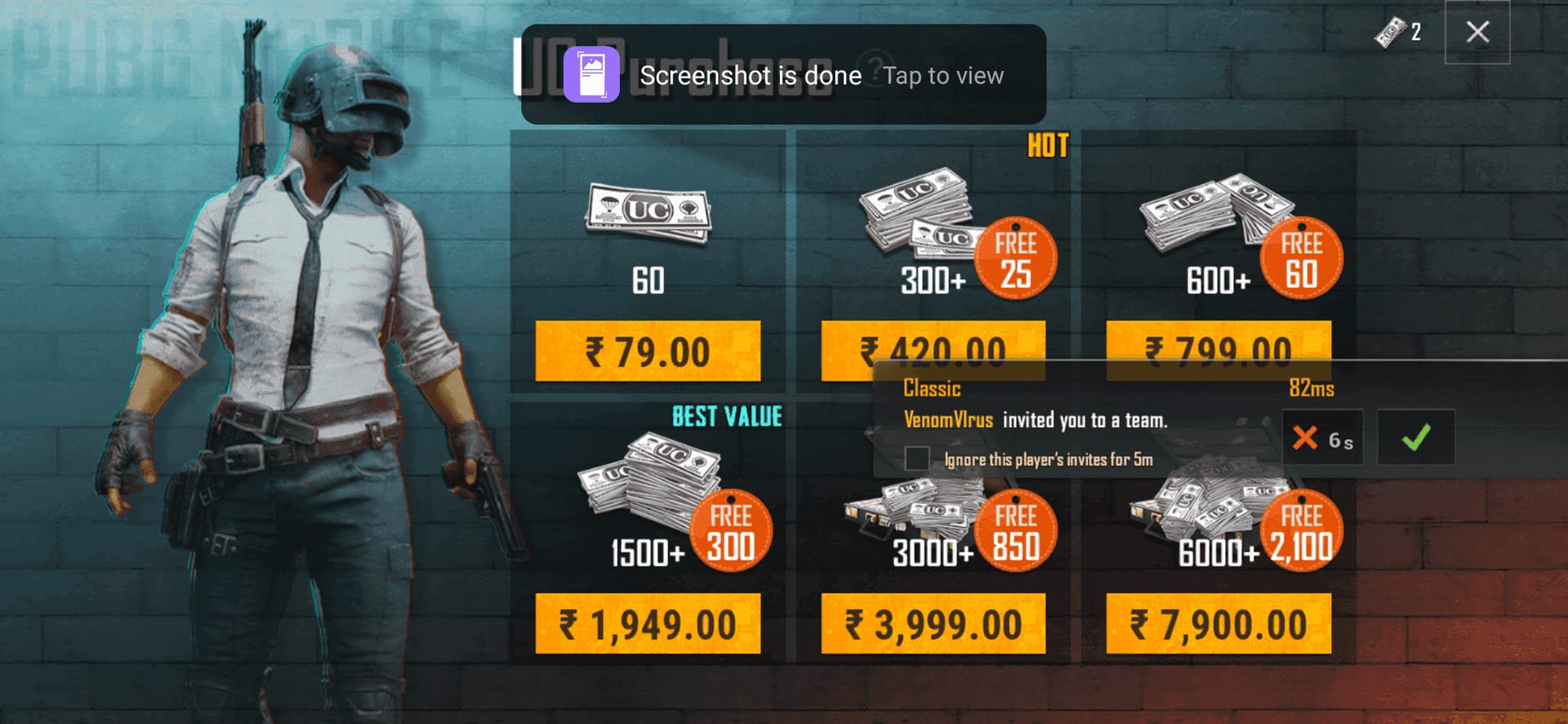
Currency pricing also fluctuates by region. While buffget offers competitive rates globally, understanding local purchasing power is key. The Royale Pass starts January 9, 2026, universally, but the availability of specific UC bundles varies. PUBG Mobile UC (TW) is strictly for Taiwan users, and attempting to use Global UC in Taiwan will result in an error. Players must match their UC purchase to their registered region to avoid transaction failures.
Optimizing Ping After Switching Regions
Switching to a distant server for events often results in high ping, which can ruin the experience. To optimize performance, select the server node geographically closest to your actual location while still fulfilling the event criteria. If you are in Europe but want to play on an Asian server, expect higher latency. However, for the Bonus Challenge, the gameplay is PvE or cooperative (Classic Squad), making high ping slightly more manageable than in competitive ranked matches.
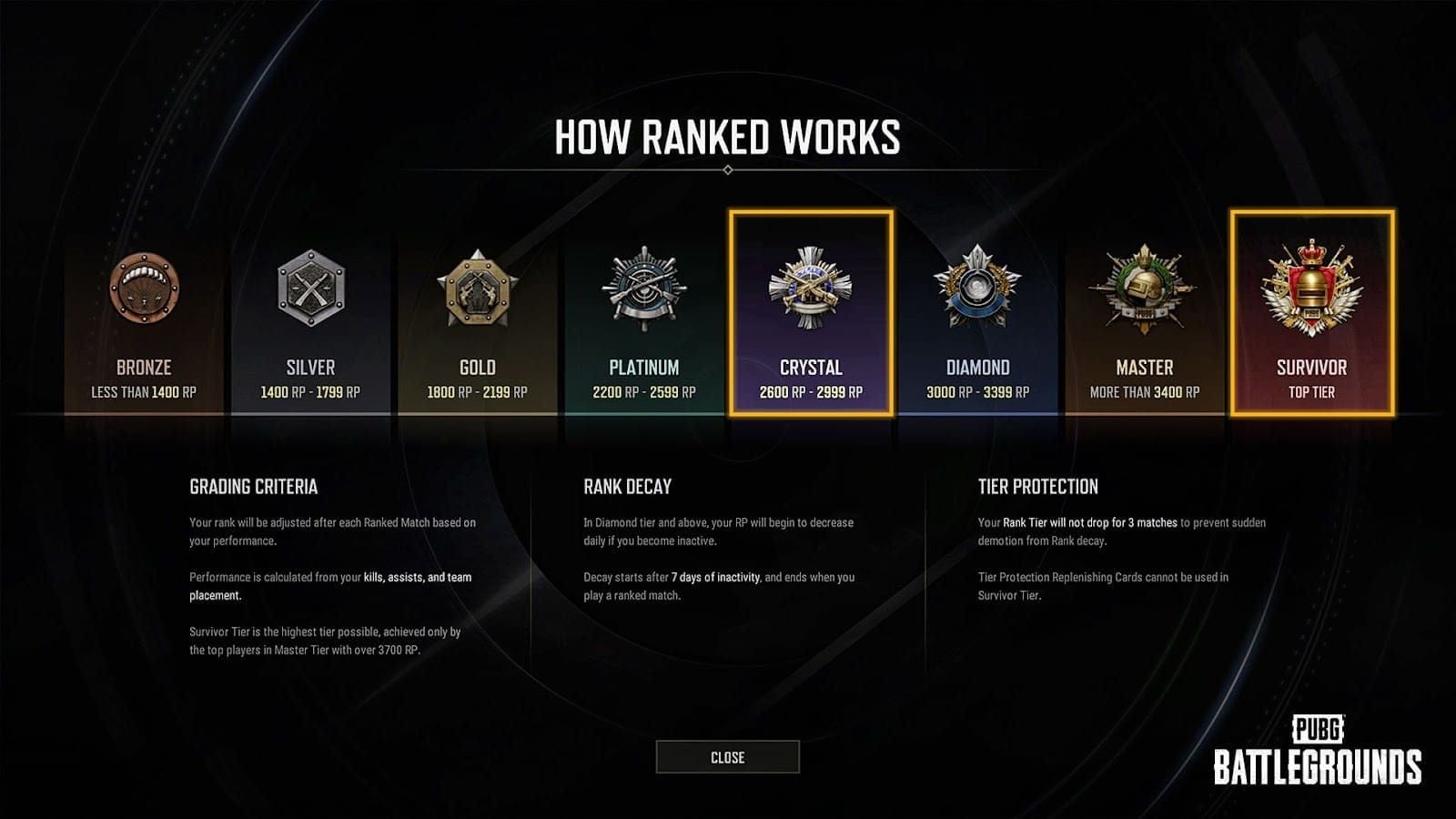
Understanding regional rank thresholds is also crucial for ping optimization. Asian servers are notoriously competitive, requiring 5500+ tier points to reach Conqueror (top 500). In contrast, European servers require 4800+, and American servers require 4500+. If you are pushing for rank, switching to an American server might offer a better ping-to-difficulty ratio, whereas switching to Asia for the Bonus Challenge requires accepting a harder competitive environment.
Troubleshooting Common Region Switch Errors
Login Failed or Server Busy These errors typically occur when the game detects a mismatch between your IP address and your selected server, or during server maintenance. To fix this, disconnect your VPN, clear the game cache, and retry the login process. Ensure your VPN is using a protocol that mimics a mobile connection rather than a desktop data center.
Currency Display Errors If your UC balance appears as zero after switching, verify you are using the correct currency type. Global UC will not display on KRJP or TW servers. You must purchase region-specific UC if you intend to spend it there. Always double-check the top-up screen to confirm the currency matches the server region.
Data Sync Delays If your previous season rank or items are missing, wait 24 hours for the servers to sync. If the issue persists, contact customer support through the game's help center, providing your Player ID.
Essential Tips for Region Hopping
Strategic timing is the most critical factor for successful region hopping. The best time to switch is immediately after a season reset or during a scheduled maintenance break, as server loads are lower and data sync is more stable. Managing multiple accounts is a common tactic among professionals; one account remains on the Home server for main gameplay, while a secondary account is dedicated to farming Bonus Challenges on Asian servers.
Managing currency across these accounts requires a cost-effective strategy to avoid draining resources. For those seeking cost-effective options, cheap PUBG UC is available on buffget, offering fast delivery to support your regional gameplay needs. Always keep an eye on the 2026 policy changes; developers frequently patch VPN exploits, so what works in January (like the Israel/Egypt route) may require a new workaround by the time PMGO Season 2 launches in September. Stay updated with community announcements to adapt your strategy.
FAQ
Is it safe to change region in PUBG Mobile 2026? Yes, it is generally safe if you follow the official cooldown of changing server region every 60 days. Avoid using unauthorized third-party tools that modify game files, as these increase the risk of a ban.
How do I access Bonus Challenges in other regions? You must be Gold V+ rank and connect to an Asian server. Players reportedly use VPNs routed through Israel or Egypt to unlock the Bonus Challenge event, which runs from 12pm-7:30pm in Classic Squad mode.
Can I change my PUBG Mobile region without a VPN? The game does not provide a manual switch region button outside of the initial setup or the 60-day cooldown mechanism. To access a specific region's server outside your geographic location, a network configuration tool like a VPN is typically required.
What is the best region for low ping in PUBG? The best region is the one geographically closest to your physical location. However, for ranked play, the American server has the lowest Conqueror threshold (4500+), while Asia is the hardest (5500+).
Will changing region affect my UC purchases? Yes, UC is region-locked. PUBG Mobile UC (Global) works on most servers but excludes Japanese, Korean, Taiwan, and Vietnam servers. You must purchase specific UC (MY, TW, TH, ID) for those respective regions.
How to fix region locked error in PUBG Mobile? If you receive a region-locked error, ensure your VPN is active and connected to the correct region (e.g., Israel for Bonus Challenges). If the error persists, your account may be flagged, or the server may be under maintenance; try switching to a different VPN server node.