

Recommended Discounts

PUBG Mobile UC (Global)
Official Midasbuy Partner. Get 30% OFF UC Top Up. Not for Japanese / Korean / Taiwan / Vietnam servers. Fast, secure, and the lowest price guaranteed.
29.4% OFF
Related articles


PUBG Mobile Account Recovery 2026: Save Your Skins
Losing a PUBG Mobile account in 2026 means losing high-value assets like mythic outfits and exclusive skins. It is a significant financial loss, not just an inconvenience. Guest accounts are permanently lost if the game is deleted or reinstalled, making social media linkage mandatory for protection. To secure your progress and inventory, link your game to a stable social platform immediately. For those looking to enhance their loadout safely, [cheap PUBG Mobile UC](https://buffget.com/goods/pubg-mobile-uc-global) on buffget offers a secure way to grow your inventory.
Buffget
Understanding Account Linking and Unlinking Mechanics
How Social Media Binding Works
Account binding is your primary backup. Android devices use Google Play Games, while iOS devices rely on Game Center. Both platforms also support Facebook and Twitter (now X). This cross-platform compatibility ensures your character, skins, and UC remain accessible when switching devices by simply logging into the linked social account.
The July 21, 2020 patch standardized the unlink process, creating a uniform security protocol still in use today. This update prevents unauthorized account transfers, ensuring only the legitimate owner can modify connection methods.
The Risks of Unlinking Your Primary Login
Unlinking is sensitive. The system enforces a strict rule: you can only unlink one of two social links at a time. This prevents accidentally severing all ties to your account. Furthermore, the unlink option is only visible for non-active accounts. If you are logged in or have an active session elsewhere, the option won't appear.
Key Restrictions:
- 21-Day Threshold: If linked less than 21 days, the function is disabled to prevent hackers from immediately removing your credentials.
- Active Sessions: You must force-logout other devices before starting to avoid conflicts.
Guest Accounts vs. Social Logins: Critical Differences
The fundamental difference is data storage. Guest account data is local and vulnerable to clearing. If you uninstall the app or clear cache without linking, that data is gone forever. Social logins push data to secure servers, enabling recovery.
Relying on a guest account is playing on borrowed time. Transitioning to a social login is the only way to graduate to a permanent account with recovery options.
Step-by-Step Guide to Unlinking Social Media Safely
Pre-Recovery Checklist
Before attempting to unlink, verify the 21+ day linkage requirement. Ensure the account is not active elsewhere. Clearing your cache is vital—90% of unlink issues resolve via a simple restart or cache clear. This removes temporary files causing glitches. Android users might need to clear app data post-grace period to finalize a Google Play unlink.
Navigating the Settings Interface
Follow these steps to access the unlink option:
- Log in with the target social account you wish to remove.
- Tap the ▲ icon on the right side of the lobby to open Settings.
- Locate the social media icon (e.g., Google or Facebook).
- Tap the Unlink button (top-left of the icon).
- Confirm the action to initiate the 7-day pending period.
The process takes under 2 minutes to initiate, but the actual disconnection requires time.
Managing the 7-Day Pending Period
Once requested, the unlink enters a 7-day pending grace period. This safety feature allows you to cancel by simply logging in with that social account during the window.
To finalize:
- Wait 7 days.
- Log out and log back in.
- The system will enforce the unlink.
- Verify in Settings that the social icon no longer shows as linked.
Pro tip: iOS users may need to restart Game Center if unlinking Facebook to ensure changes register.
PUBG Mobile Account Recovery Protocol for 2026
Submitting a Recovery Request
If you lose access, the official channel is the Customer Service Center (Help icon > Account Recovery). The review takes approximately 14 days. The support team verifies details against their database during this time.
Required Form Fields:
- Player UID
- Character Name
- Email Address
- Captcha
- Reason for recovery (e.g., hacked or lost access)
Incomplete forms face rejection or delays. This portal is the only verified method for restoration.
Verifying Ownership: UID and Device Info
Your Player UID is your unique fingerprint. Ensure it matches the account you are recovering. Providing original creation time and previous transaction IDs can expedite the process.
Once access is restored, secure your assets immediately. When you need to top up PUBG Mobile, buffget provides competitive pricing and secure transactions, letting you focus on gameplay rather than payment fraud.
Handling Login Failures and Bans
- Login Failed: Usually resolves by clearing the app cache. Check if the social media platform is undergoing maintenance.
- Account Banned: You must appeal the ban through the Customer Service Center, providing evidence you were not in control during the violation.
Securing Your Expensive Skins and UC Inventory
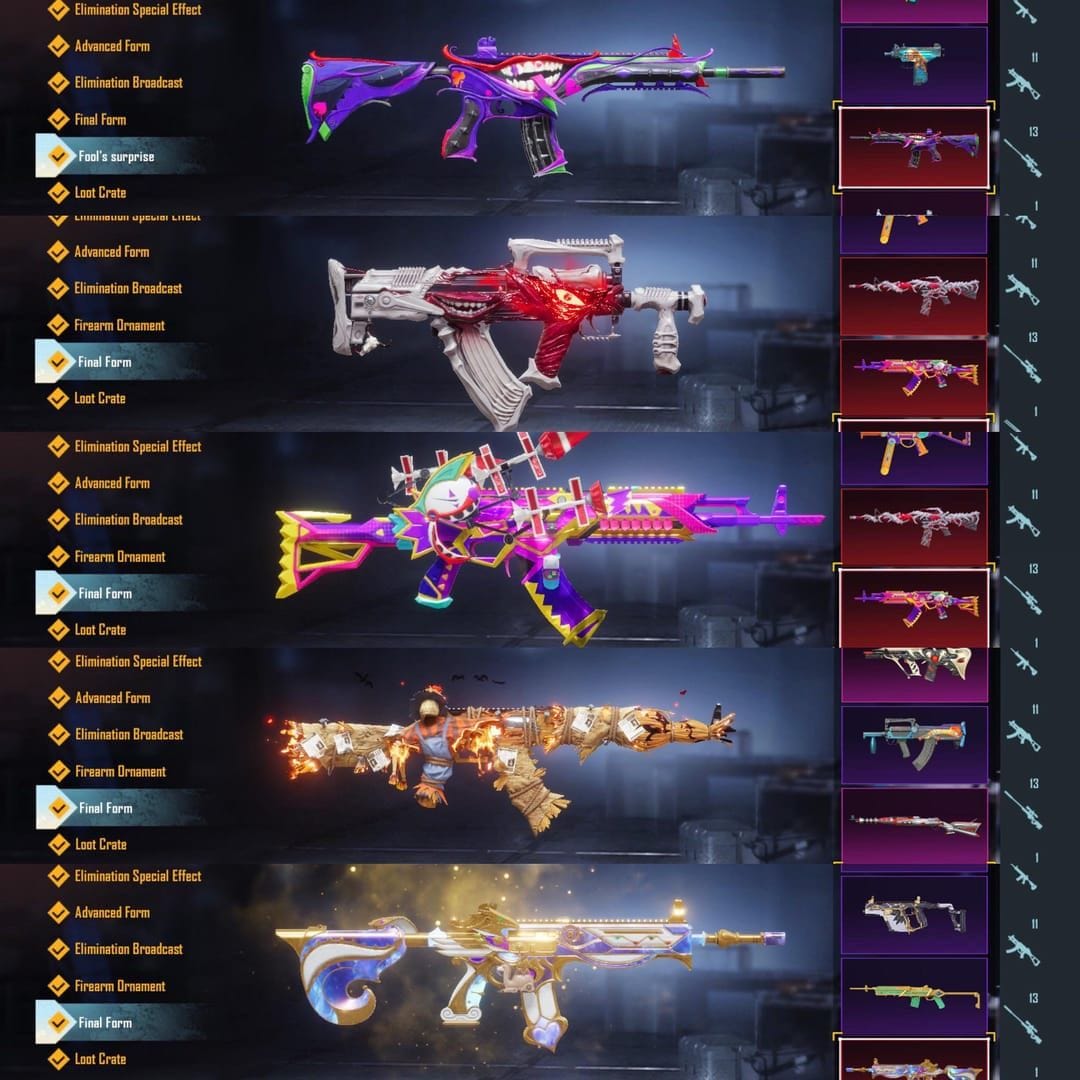
Post-Recovery Binding Measures
Immediately after recovery, bind the account to a new social media account. Do not leave it unlinked. If recovered via email, link it to Facebook or Twitter immediately. This redundancy ensures backup options if one method is compromised.
For high-value accounts with mythic outfits, enabling Two-Factor Authentication (2FA) is non-negotiable. Add this layer via the social platform (e.g., Google 2FA) to block unauthorized logins even if your password is stolen.
Monitoring Account Activity
Regularly check login history and device info. If you see a login from an unknown device:
- Force-logout all sessions immediately.
- Change your social media passwords.
Hackers target rare skins for the black market. Vigilance is your best defense against permanent loss.
Common Mistakes That Lead to Permanent Loss
- Ignoring the 21-Day Rule: Attempting to unlink an account linked for less than 21 days will fail.
- Deleting Guest Data: Uninstalling the app or clearing cache before linking to social media wipes guest data forever.
- Post-Recovery Negligence: Ignoring verification emails or delaying binding after restoration leaves the account vulnerable to re-hacking.
FAQs on Account Management
Can I recover a guest account in PUBG Mobile? No, guest accounts cannot be restored if the game is deleted or re-installed. You must link to social media to enable recovery features.
How long does the account recovery process take? The account recovery review takes 14 days. You must submit a form via the Customer Service Center with your UID and character details.
What are the requirements to unlink social media? You must have linked the social media account for at least 21 days. The account must also be non-active, and the process involves a 7-day pending grace period.
How do I unlink my Facebook or Google account? Log in, go to Settings (▲ icon), tap the Unlink button next to the social icon, and wait 7 days. Log in again after 7 days to finalize the unlink.
What happens to my skins if I change my device? Your skins are safe as long as you log in with the same social media account (Facebook, Twitter, Google, or Game Center) on the new device. Progress is stored on servers.
How can I secure my account after recovery? Bind your account to social media immediately, enable 2FA on your linked accounts, and bind a mobile number. Avoid sharing details with boosting services.