

Recommended Discounts

PUBG Mobile UC (Global)
Official Midasbuy Partner. Get 30% OFF UC Top Up. Not for Japanese / Korean / Taiwan / Vietnam servers. Fast, secure, and the lowest price guaranteed.
29.4% OFF
Related articles


PUBG Mobile 2FA Guide: Enable Setup, 8-Digit Codes & Unlink Socials
Beef up your PUBG Mobile account—enable 2FA, unlink social media after that July 21, 2020 update (21-day min linkage, 7-day grace), grab those 8-digit backup codes, audit devices, hit up support to safeguard skins, UC, and all your hard-earned progress. Works on Android/iOS alike.
Buffget
Beef up your PUBG Mobile account—enable 2FA, unlink social media after that July 21, 2020 update (21-day min linkage, 7-day grace), grab those 8-digit backup codes, audit devices, hit up support to safeguard skins, UC, and all your hard-earned progress. Works on Android/iOS alike.
Why Bother with PUBG Mobile Account Security?
Social media links? They're a hacker's dream ticket for cross-platform raids. Flip on 2FA, and you're adding that crucial second check—slashes those threats big time. Get hacked via social login? You're changing every password on those linked spots, 100%, just to claw it back.
Ever wonder how many top players got wiped out over this? Brutal.
- Check recent logins in Account settings.
- Boot unauthorized devices from Account Security Settings.
- Turn on 2FA for PUBG and your social accounts.
2FA Explained: Your Shield Against PUBG Hacks
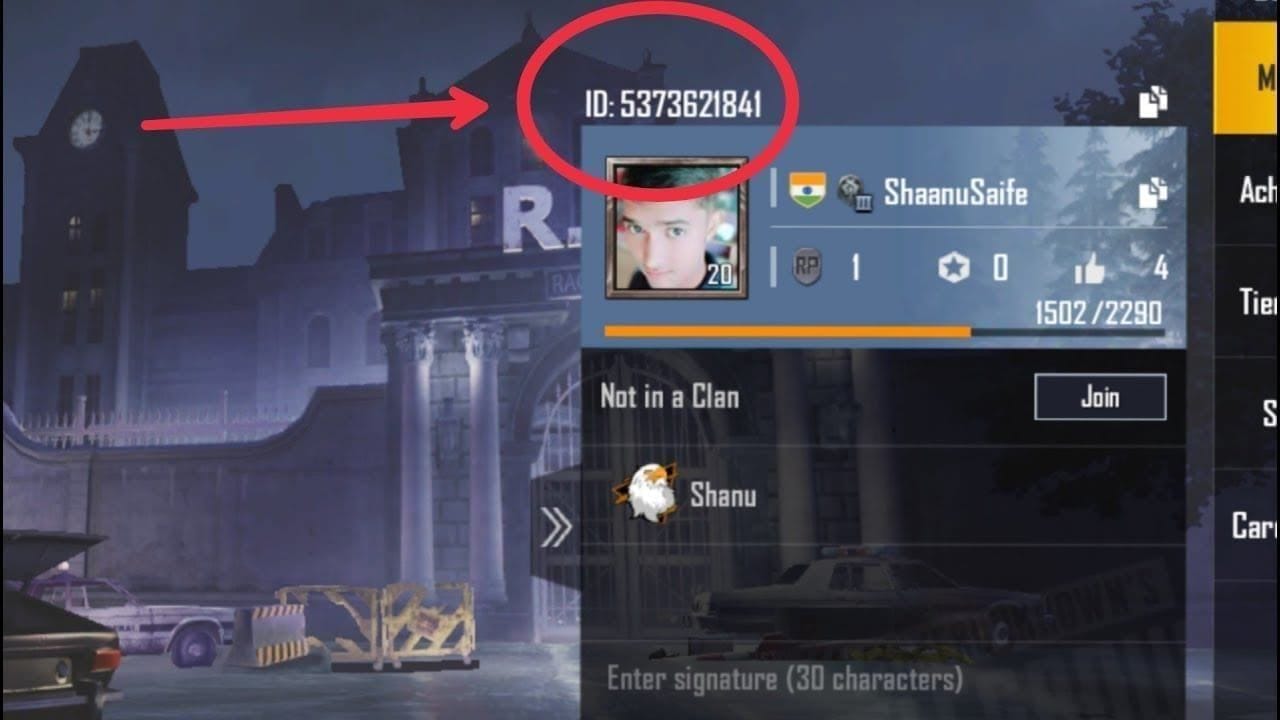
Two-factor authentication—2FA—kicks in after your password with a code from an app or text. Even if some phishing jerk snags your creds, your skins, UC, and grind stay safe. Hack rates plummet compared to password-only setups. (Pro tip from years editing these guides: it's non-negotiable for ranked climbers.)
- Rock unique passwords paired with 2FA.
- Fall back to 8-digit backup codes if the main one's busted.
- Run a malware scan, flag scams to support.
Need UC without the hassle? Hit PUBG UC purchase on Buffget—global steals, instant top-ups, fully legit, killer support via mainstream cards or crypto like USDT.
Step-by-Step: Setting Up 2FA and Those Backup Codes Right
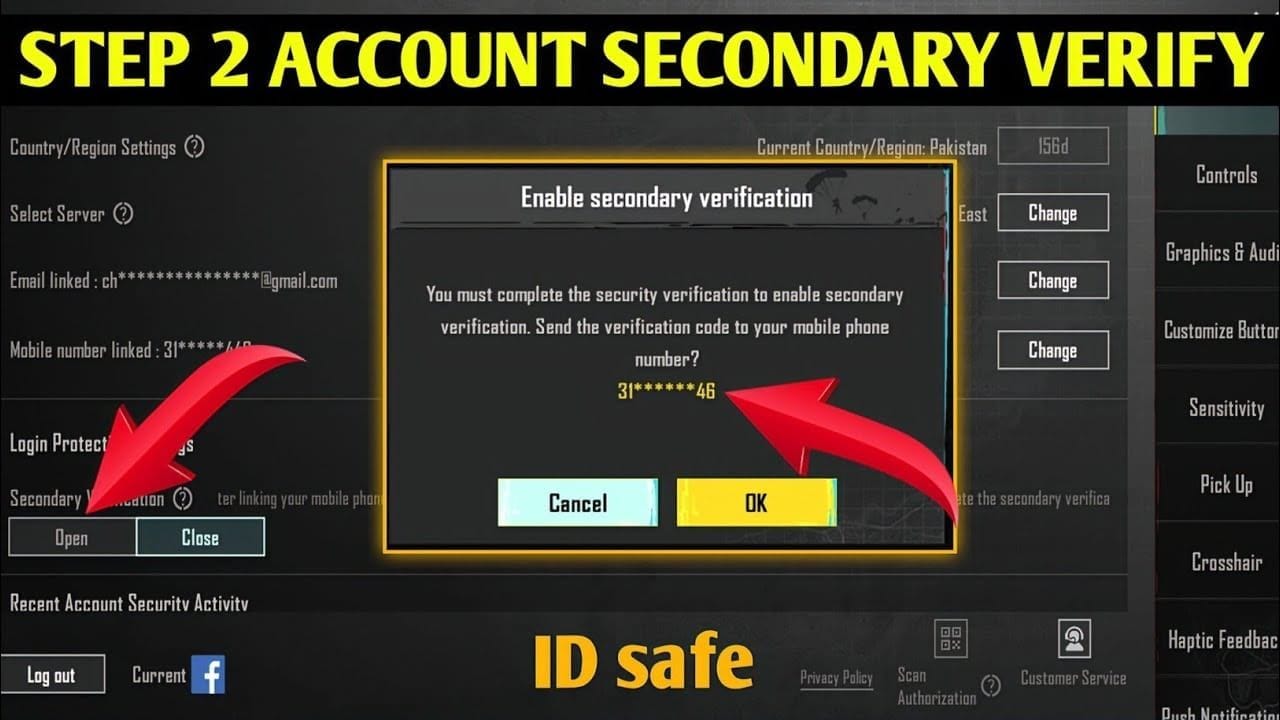
PUBG ties 2FA to your login method; those 8-digit backups save the day if primary flops (bum codes mean you're out—regenerate 'em). Post-hack, lock socials with 2FA to stop round two. Simple as:
- Pick Password Login (email or mobile).
- Hit 'Change Verification Method' on the next screen.
- Go 'Use an 8-digit backup code' and punch in a fresh one.
Fixing 2FA Glitches and Security Hiccups
Backup codes bombing out? Time for device deep-cleans and claims from your usual gear. Still stuck? Email service@pubgmobile.com. Spot shady devices lately? Nuke 'em first.
- Swap passwords on all linked socials.
- Eyeball Account settings for weird activity or logouts.
- Dive into Help > Login Issue > Account Recovery > Submit Claim, details loaded.
Unlinking Social Media from PUBG Mobile—Post-2020 Rules
Since July 21, 2020, unlinks demand 21 days linked, 30-day login streak, 15/30 device days. Can't do it through that social—keep one of your two links. 7-day grace after confirm, or skip it logging from original platform/device today.
Straight shot:
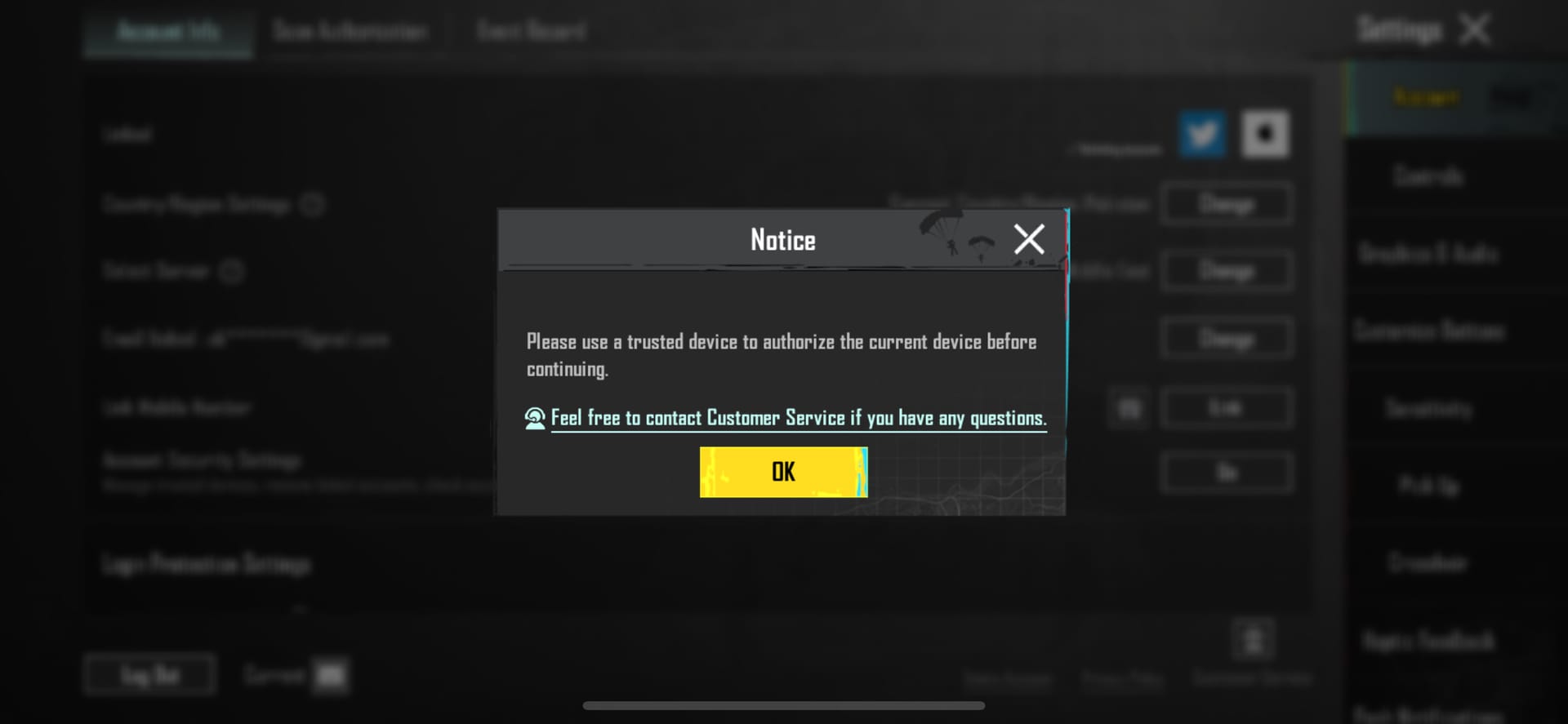
- Log in with the account you're saving.
- Tap ▲ > Settings.
- 'Unlink' that social icon.
- Confirm—7 days starts ticking.
Buffget's got your back for secure boosts—top up PUBG UC online with blazing global speeds, killer rates, Binance Pay/Bitcoin/ETH, 24/7 fixes.
Recovering Your PUBG Mobile Account After a Breach
Hacked or locked? Submit in-game from a trusted device—7-day unlinks mirror those waits, fresh social passwords kill repeat hacks. Purge bad devices in Security Settings. No drama:
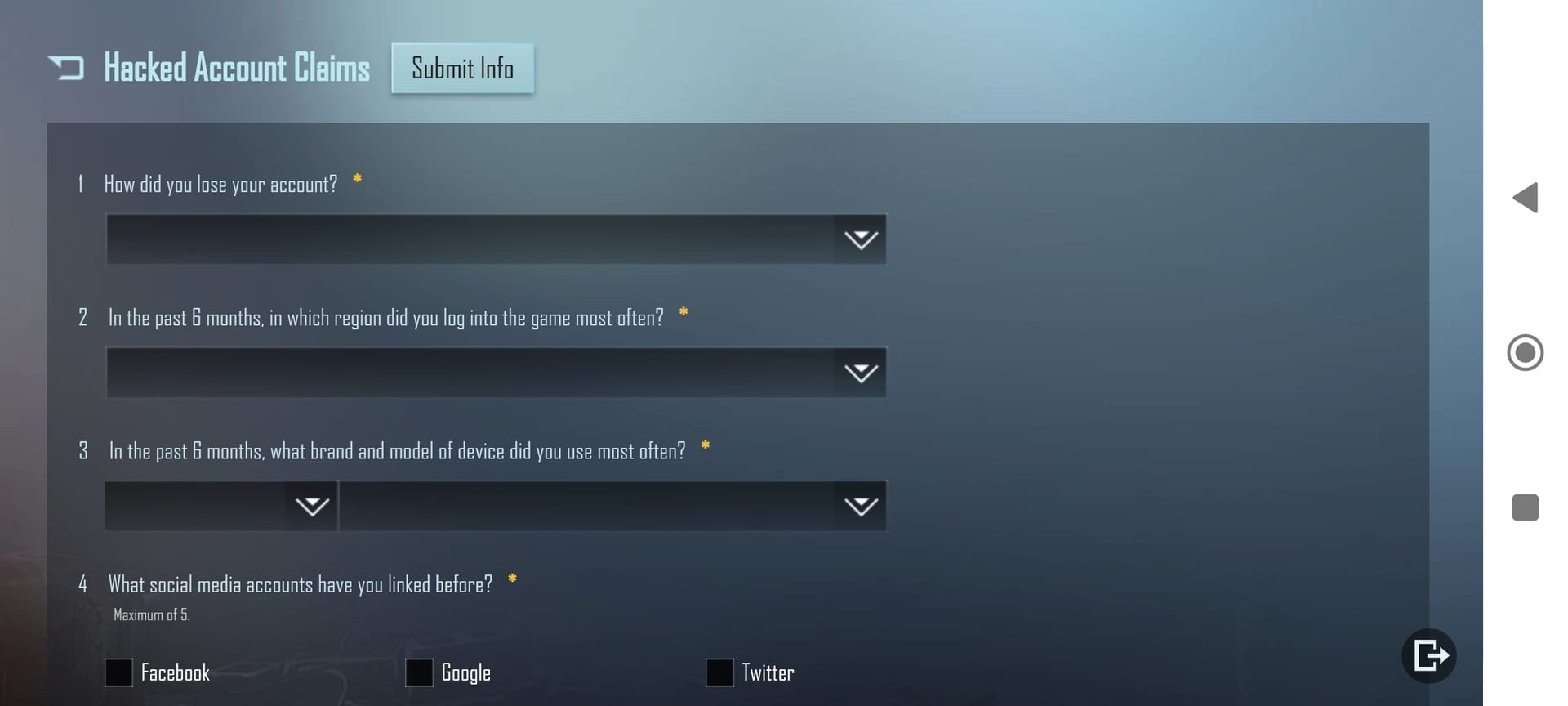
- Fire up in-game customer service.
- Help > Login Issue > Account Recovery > Submit Claim.
- Load it with details from your safe spot.
Everyday Habits for Ironclad PUBG Security
Stick to routine 2FA checks, unlinks after 21 days, unique passwords everywhere—risks nosedive. Those 21/30/15-day hurdles? They force smart habits, dodging phishing and bogus bans. (My take as a guide vet: weekly audits feel tedious, but they've saved my squad's mains.)
- 2FA on everything.
- Weekly device/activity sweeps.
- Ditch unused socials post-21 days.
FAQ
How do I enable 2FA in PUBG Mobile?
Account security menu—pair it with social 2FA, stash 8-digit backups.
What if backup codes fail for PUBG 2FA?
They're toast—switch methods or ping service@pubgmobile.com.
Can I unlink Facebook from PUBG without losing progress?
Yep, after 21-day linkage, 30-day activity, 15/30 device days; 7-day grace kicks in.
How to recover a hacked PUBG Mobile account?
Reset linked passwords, kill rogue devices, claim in-game from a familiar one.
Why unlink social media from PUBG Mobile?
Blocks cross-hacks; eligibility from July 21, 2020 update.
Does unlinking take effect immediately?
Nah, 7-day grace—unless you're on trusted device/original platform.