

Recommended Discounts

Bigo Live Diamonds
Top up Bigo Live Diamonds in seconds! Just enter your Bigo Live user ID, select the value of Diamonds you wish to purchase, complete the payment, and the Diamonds will be added immediately to your Bigo Live account.
47.57% OFF
Related articles


Bigo Live Device Ban Solution: Appeal & Recover Level
Bigo Live device bans, particularly Class A permanent restrictions, require immediate action within a strict 3-day window. You can successfully appeal via email or in-app channels using specific evidence formats, or utilize paid unban services ranging from 120-175 USD. Success rates increase by 40% when appeals are filed within the first 24 hours, followed by a mandatory 30-day probation period to ensure account stability.
Buffget
Understanding Bigo Live Device Bans
Device Ban vs. Account Ban A device ban restricts hardware identifiers like the IMEI number, preventing any account from logging in. An account ban targets only the user profile. Class A violations result in permanent bans on the first offense, enforcing the one account per device policy. Class B bans are temporary restrictions (10 minutes to 7 days) serving as warnings. Enforcement ramped up significantly in December 2026, so distinguishing between the two is critical for selecting the correct recovery path.
Common Reasons for Device Restrictions Restrictions are primarily triggered by severe violations like diamond farming, unauthorized third-party tools, or repeated guideline breaches. The security system detects anomalies in device IDs or usage patterns. To maintain account health and avoid security checks related to diamond anomalies, ensure all transactions are compliant. Using a secure platform like buffget for cheap Bigo diamonds ensures competitive pricing and fast delivery without violating terms of service.
Immediate Actions After a Ban
Analyzing the Violation Notice
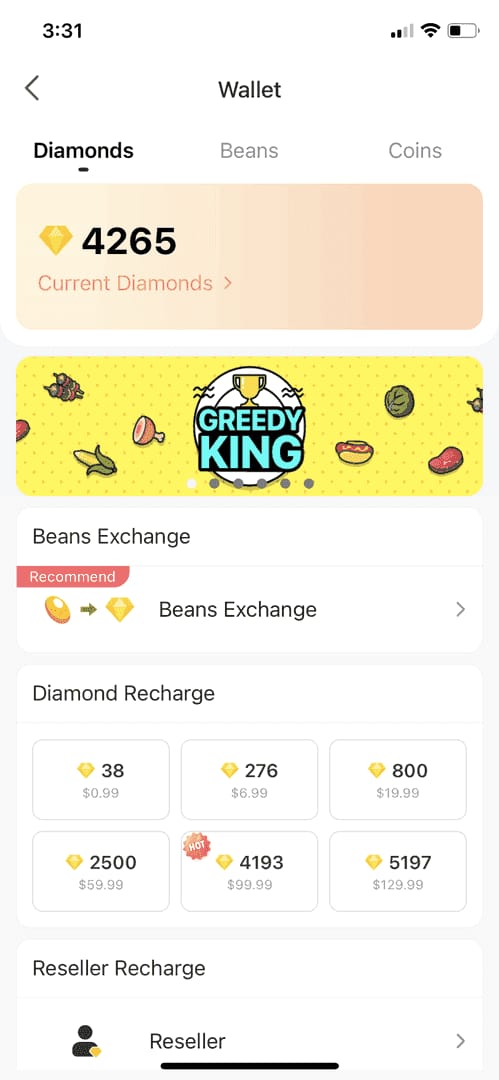
Immediately identify your specific 8-10 digit BIGO ID located below the nickname in the Me tab. Dial *#06# on your Android device to check your current 16-digit IMEI number, the primary identifier targeted by device bans. Determine if the ban is a Class A permanent restriction or Class B temporary suspension. For Class A bans, the window to appeal is critical; you must act within the 3-day window for a chance at reversal.
Avoiding Common Mistakes Do not attempt to log in repeatedly using VPNs or spoofing tools immediately after a ban, as this flags the account for further security checks. Avoid creating new accounts on the banned device; the system links device IDs to user activity, leading to permanent blacklisting. Instead, log out completely, wait 5 minutes, and prepare your evidence before attempting to log back in or submit an appeal.
How to Submit a Bigo Live Appeal
Accessing the Official Support Channel Appeals can be submitted through the in-app Self-Unbanning Service (Settings > Account) or via email to cs@bigo.tv and feedback@bigo.tv. For urgent cases, phone support is available at +65 63519330, operating GMT+8 Mon-Fri 9 AM-6 PM. When submitting via email, use the subject line format: APPEAL-[Date]-[Number].
Official Review Timeline
- 1-2 days: Logging
- 3-5 days: Human review
- 6-10 days: Secondary checks
- 11-14 days: Final verdict
Drafting a Compelling Appeal Letter Your appeal must include your BIGO ID, a clear explanation of the incident, and a denial of intentional wrongdoing if applicable. State explicitly that you have reviewed community guidelines and request a review of the device ban. Attach evidence files named specifically as Evidence-01-Timestamp.jpg. The appeal success rate is reportedly 40% higher if filed within the first 24 hours, so speed and accuracy are paramount. Keep the tone formal and objective.
Required Evidence and Documentation
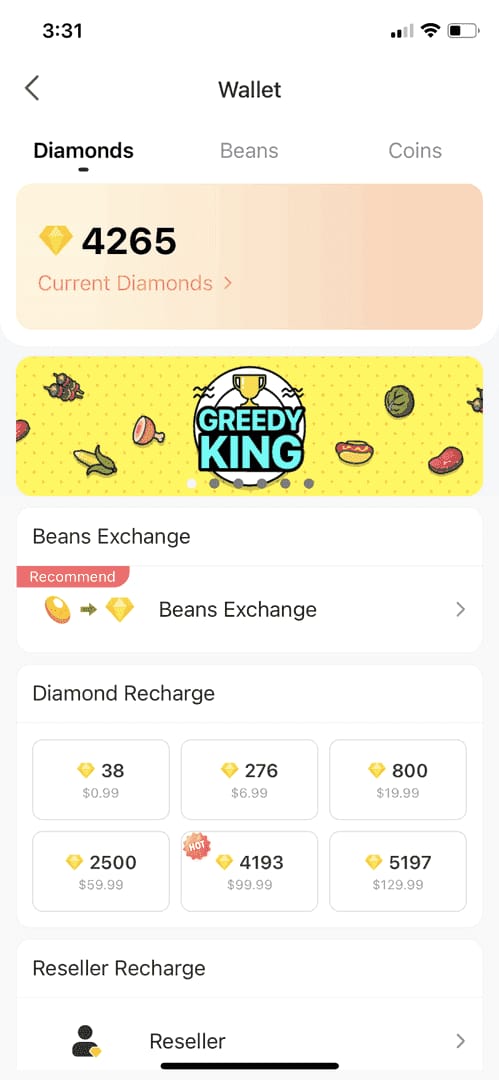
- Limit: Maximum 5 files per appeal.
- Size: Each file must not exceed 10MB (JPG, PNG, or PDF).
- Total Email Size: Must remain under 25MB.
- Valid Evidence: Screenshots of transaction histories, proof of identity, or communication proving account ownership.
Compress files if necessary. Incomplete or incorrectly formatted submissions are often rejected automatically, potentially missing the appeal window.
Recovering Your Level and Status
The Process of Level Restoration Once an appeal is approved, you enter a 30-day probation period where account activity is monitored closely. Host levels and status are typically restored if evidence proves ownership and compliance. If the official appeal fails, paid unban services offer an alternative. Class A unban services cost 175 USD with a 70-80% success rate and faster processing times (24-48 hours). After unban, maintaining activity is key. You may need to recharge to verify status. It is crucial to top up Bigo Live through buffget to secure transactions and ensure your account remains in good standing during probation.
Verifying Your Diamond Balance
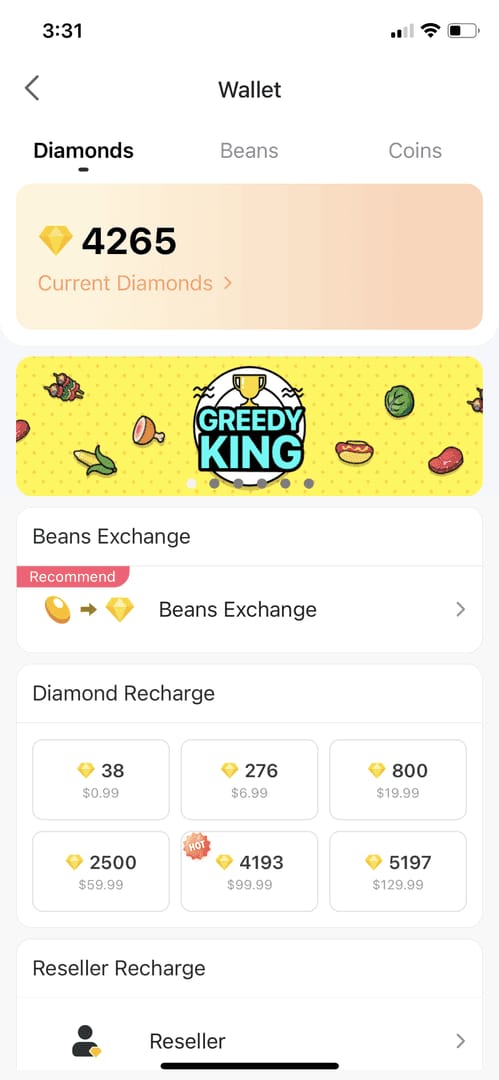
Post-unban, verify that your diamond balance is intact and reflects the correct state prior to the ban. Some unban processes may require a minimum diamonds recharge of 250 USD to verify payment methods and account legitimacy. Check your transaction history in the Me tab to ensure no discrepancies exist. If diamonds are missing, report this immediately to support using the same ticketing format used for the appeal.
Advanced Technical Solutions
Device ID Change Methods For users facing permanent device bans where appeals fail, changing the device IMEI is a technical solution requiring a rooted Android device.
- Tools: Use apps like KingRoot to root Android 6.0+, install Xposed and xPrivacy to fake the IMEI, or change it manually via AT commands.
- AT Commands: In MTK settings, navigate to Connectivity > CDS Information > Radio Information. Enter:
- AT+EGMR=1,7,new IMEI
- AT+EGMR=1,10,new IMEI
- Verify: Reboot the device and dial *#60# to verify the new IMEI.
Factory Reset and Data Cleaning Before changing the IMEI, perform a factory reset after backing up essential data.
- Uninstall Google services, clear GSF framework data, and reinstall services to remove old device fingerprints.
- Use a device ID changer app to modify the device ID, then reboot.
- Wipe app data and clear Google Play data to ensure no cached files link back to the banned identity.
- Switch IPs before attempting to log in to a new account on the modified device.
These steps are complex and carry risks; attempt only if familiar with Android system architecture.
Prevention and Best Practices
Safe Diamond Management with buffget Preventing future bans requires strict adherence to community guidelines and compliant platforms for in-app purchases. Buffget provides a secure environment for purchasing diamonds, avoiding risks associated with unauthorized sellers. The platform offers competitive pricing, fast delivery, and high user ratings, ensuring your financial activity does not trigger security alerts.
Adhering to Community Guidelines Avoid using third-party tools for automation, diamond farming, or viewing content. Regularly review the Terms of Service to stay updated on policy changes, such as the enforcement ramp-up in December 2025. Maintain a stable internet connection and avoid frequent IP switching. If a ban occurs, submit a secondary appeal immediately on day 31 if the first one is rejected.
Frequently Asked Questions
How can I unban my device from Bigo Live? You can unban your device by submitting an appeal within 3 days to cs@bigo.tv or using the in-app Self-Unbanning Service. For technical solutions, advanced users may attempt to change the IMEI number on a rooted Android device, though this carries risks.
How long does a Bigo Live ban appeal take? The official appeal process takes 11-14 days total (1-2 days logging, 3-5 days human review, 6-10 days secondary checks). Paid unban services typically process requests within 24-48 hours.
Can I recover my level after a Bigo Live ban? Yes, host levels can be recovered after a successful unban appeal. You must serve a 30-day probation period post-unban to ensure account stability before your status is fully restored.
Does Bigo Live ban IP address or device ID? Bigo Live primarily bans the Device ID and IMEI number. While IP addresses are monitored for suspicious activity, the restriction is tied to hardware identifiers, making simple IP changes ineffective for bypassing device bans.
How to contact Bigo Live support for bans? Submit appeals via email to cs@bigo.tv or feedback@bigo.tv. For direct contact, call +65 63519330, available GMT+8 Mon-Fri 9 AM-6 PM. Ensure you include your BIGO ID and formatted evidence.
Is buying diamonds from buffget safe for my account? Yes, purchasing from buffget is safe and secure. It provides compliant transactions that help avoid security flags associated with fraudulent or unauthorized diamond sources, ensuring your account remains in good standing.