

Recommended Discounts

PUBG Mobile UC (Global)
Official Midasbuy Partner. Get 30% OFF UC Top Up. Not for Japanese / Korean / Taiwan / Vietnam servers. Fast, secure, and the lowest price guaranteed.
29.4% OFF
Related articles


PUBG Mobile UC Unlink: Google & FB Removal Guide 2026
Unlink Google Play or Facebook from PUBG Mobile UC accounts via in-game Settings, added in July 21, 2020 update. Needs 21+ days linked, allows one of up to two social logins, with 7-day grace period before next login. Works for device switches or security. Progress stays server-bound—no data loss. For top-ups during changes, buffget offers [recharge PUBG Mobile UC](https://buffget.com/goods/pubg-mobile-uc-global) fast and cheap.
Buffget
Why Unlink PUBG Mobile UC Third-Party Accounts?
Switch devices without conflicts (Google Play Android-only). Remove unused links to block unauthorized access. Frees one of two slots without session disruption.
PUBG Mobile UC Account Basics
Supports Google Play (Android), Facebook/Twitter (Android/iOS), Game Center (iOS). Unlink non-active logins linked 21+ days. UC and items tie to account ID, not login.
Preparation Steps
- Log in with target social account.
- Confirm 21+ days linked.
- Clear cache for login loops.
Accessing Account Settings
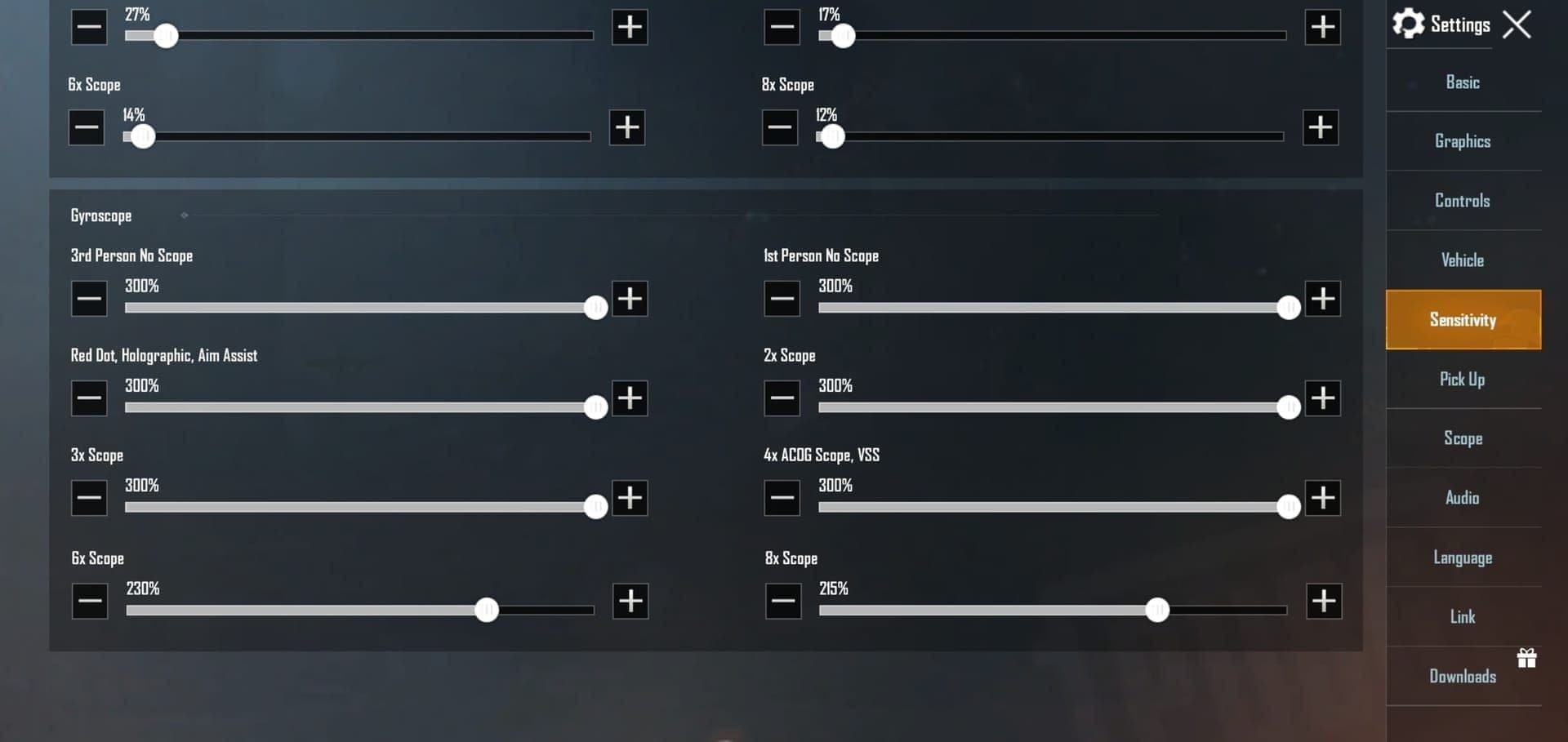
In lobby, tap ▲ (right side) → Settings → Unlink button (top-left of social icon). Only non-active accounts show.
Step-by-Step: Unlink Google Play (Android)
- Log in via Google Play.
- Lobby → ▲ → Settings.
- Tap Unlink next to Google icon → Continue.
Pending 7 days. Log in with Google to withdraw during grace. Enforces on next login post-7 days. Under 2 minutes.
Step-by-Step: Unlink Facebook (Android/iOS)
- Log in via Facebook.
- Lobby → ▲ → Settings.
- Tap Unlink left of FB icon → Continue.
One of two links only. After 7 days + login, check Settings—no icon. Test guest login.
See How to Link Accounts in PUBG Mobile UC to relink.
What Happens After Unlinking PUBG Mobile UC Accounts
Finalizes on first post-grace login. No instant changes. Progress, inventory, UC intact—server-stored.
Troubleshooting Unlink Issues
90% fix via restart.
Login Errors
Cannot unlink? Check non-active, 21+ days. Force-logout other devices.
Device Fixes
Android Google: Clear app data post-grace.
iOS FB: Restart Game Center.
buffget users: cheap PUBG Mobile UC Turkey for secure top-ups. Deeper issues? PUBG Mobile UC Account Recovery Guide.
Switch to PUBG Mobile UC Guest Account
Post-unlink, login prompts guest. Manage two socials + guest. Link second after freeing slot.
Pro tip: Alternate for testing, no UC risk.
Pro Tips from PUBG Veterans
Rotate oldest links first for multiple accounts. Unlink unused yearly. Use guest on public devices. July 21, 2020 patch standardized—no big changes since.
Track via PUBG Mobile UC Account Management Hub.
Frequently Asked Questions on PUBG Mobile UC Unlinking
How do I unlink Google Play from PUBG Mobile UC?
Log in via Google, lobby ▲ → Settings → Unlink → Continue. Wait 7 days.
Can I remove Facebook from my PUBG Mobile UC account?
Yes, if 21+ days and not active. Same steps on Android/iOS.
What happens if I unlink my third-party account in PUBG Mobile?
7-day pending; log in to withdraw, else removes on next login.
Why can't I unlink my Google account in PUBG Mobile UC?
Under 21 days, active session, or not Android.
How to switch to guest account in PUBG Mobile UC?
Post-unlink login selects guest; progress carries.
Does unlinking delete PUBG Mobile UC progress?
No, server-bound.
Secure PUBG Mobile UC Post-Unlink
Relink alternate social after check. Monitor logins weekly. buffget delivers UC fast—boost skins now!